Simulation Workflow
linked steps from geometry to analysis
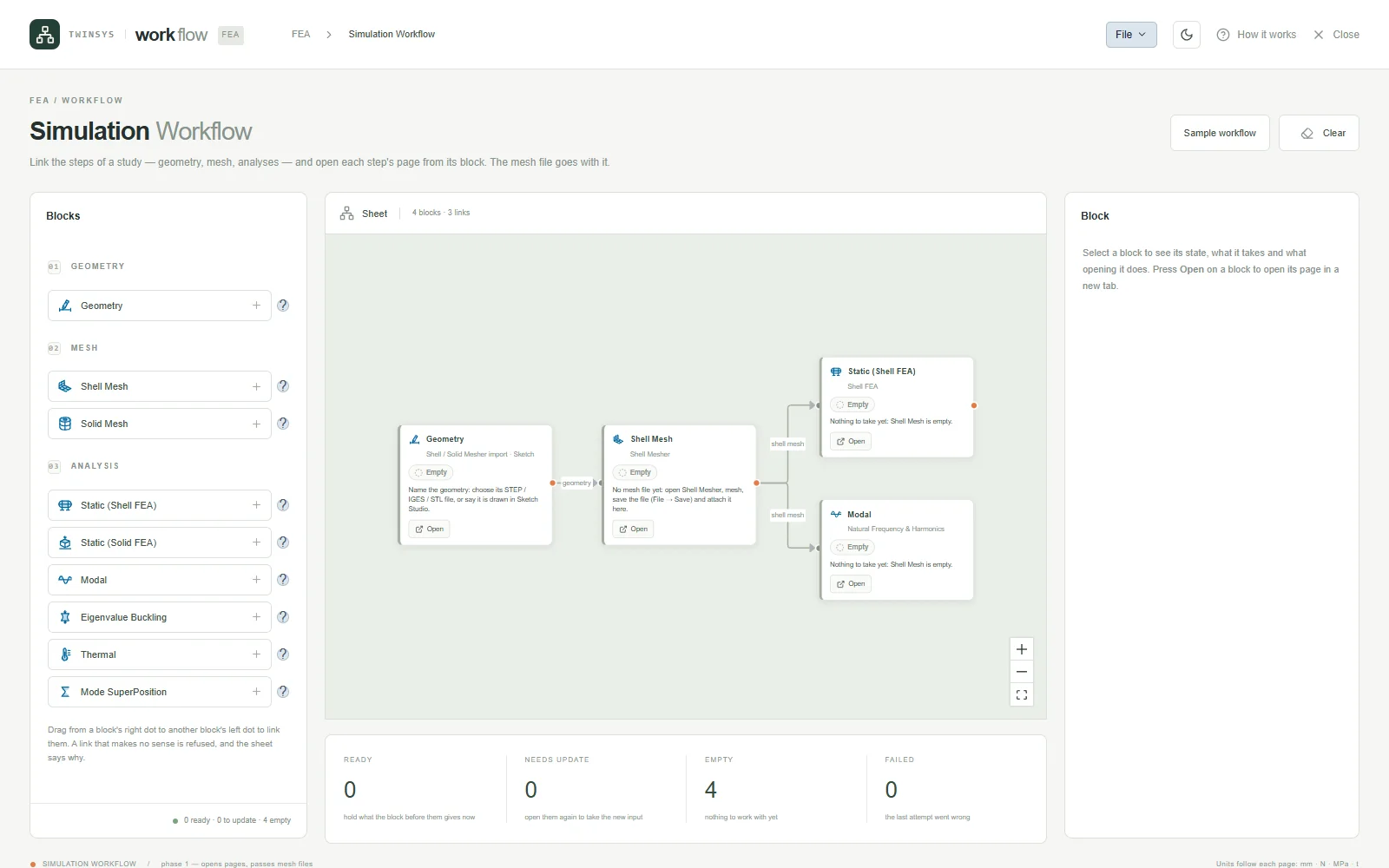
A project sheet for a study: link geometry, meshers and analyses as blocks, see what needs updating and open each step.
Product pages are in English.
Highlights
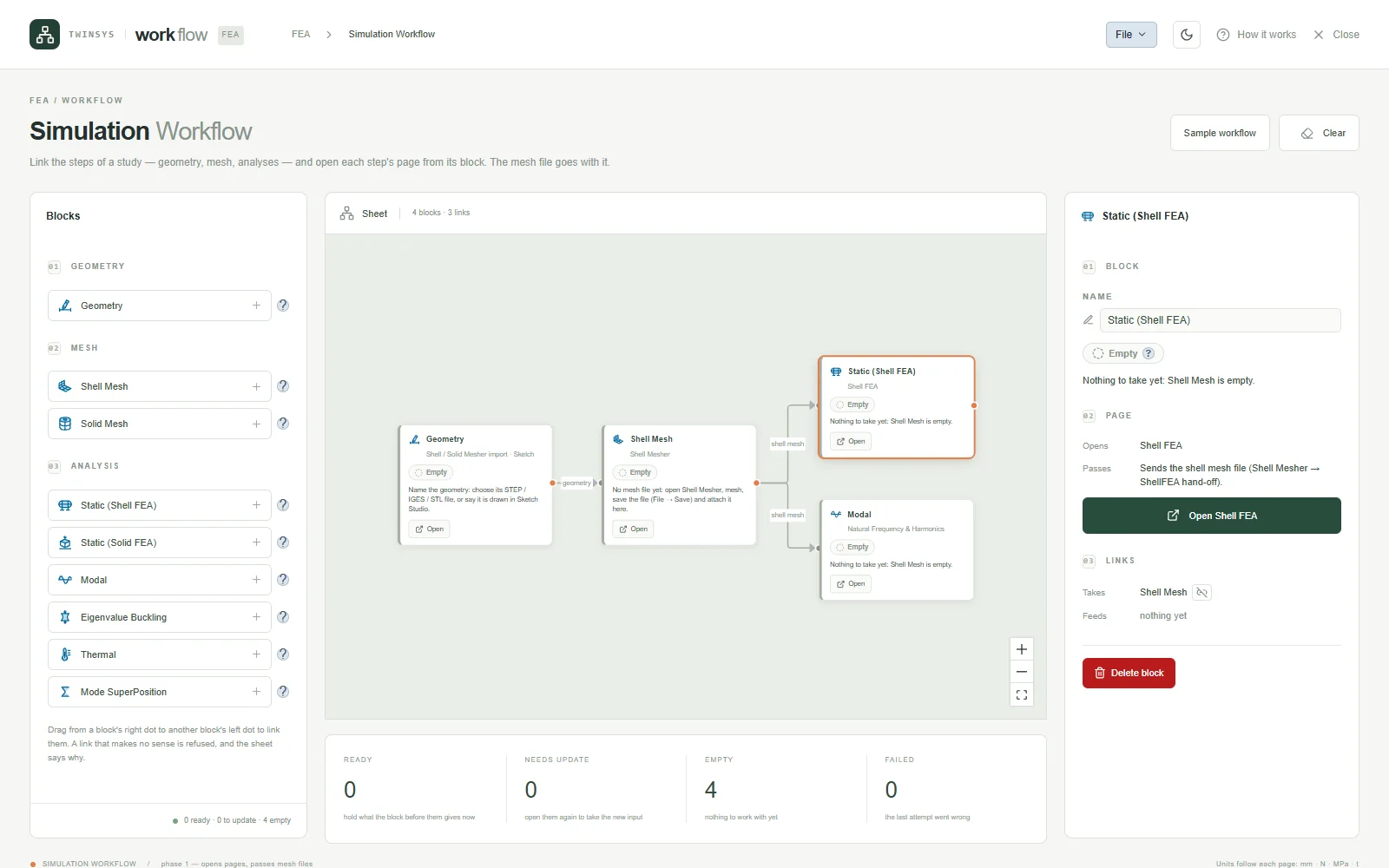
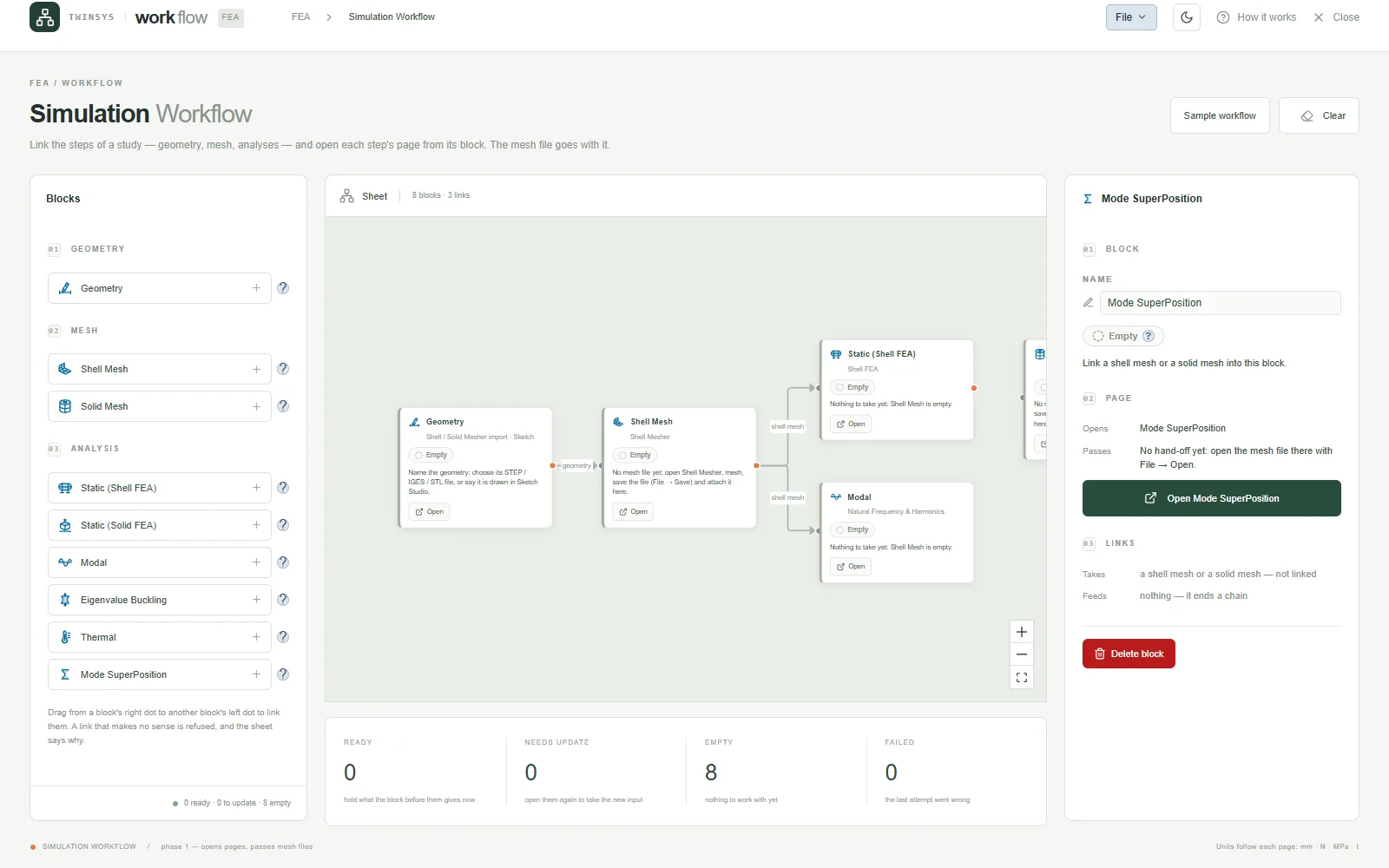
- Blocks for geometry, meshers, static, modal, buckling, thermal and Mode SuperPosition steps
- Typed links: a link that makes no sense is refused, and the sheet says why
- Every block shows Empty, Ready, Needs update or Failed, judged from the mesh file's checksum
- Open a block and its page starts in a new tab with the mesh file attached
- Shell Mesher and Solid Mesher can send a mesh back to its block (Premium)
Inside the tool
Click a picture to enlarge it. Every picture is a screenshot of the running app.
A question it answers
I changed the mesh of a bracket: which of my static, modal and buckling studies are now out of date, and how do I reopen them with the new file?What you put in
Blocks added from the list and linked by dragging from one dot to the next; mesh files (.shellmesh.json, .solidmesh.json) attached to the mesher blocks; a name for the geometry.
What you get
A saved sheet that shows the state of every step — Empty, Ready, Needs update or Failed — and opens each step's page with its mesh file. Ready means the page was opened with the current input; the results stay in the analysis pages.
More in this family
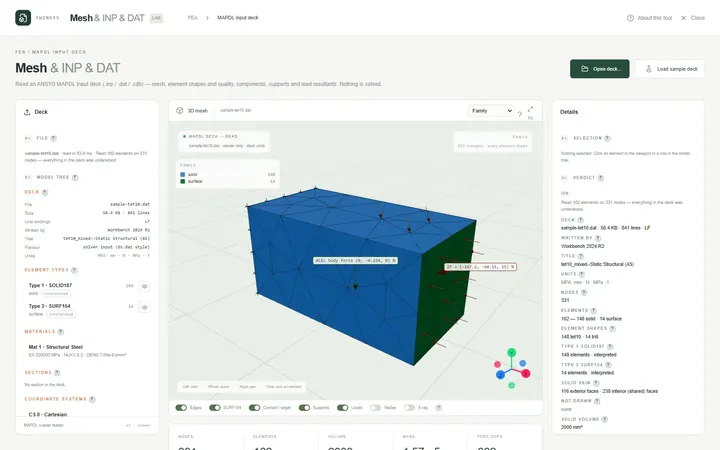
Mesh & INP & DAT
PremiumOpen ANSYS MAPDL input decks (.inp, .dat, .cdb) in the browser — mesh, supports, loads, DOFs — and solve them in Twinsys.
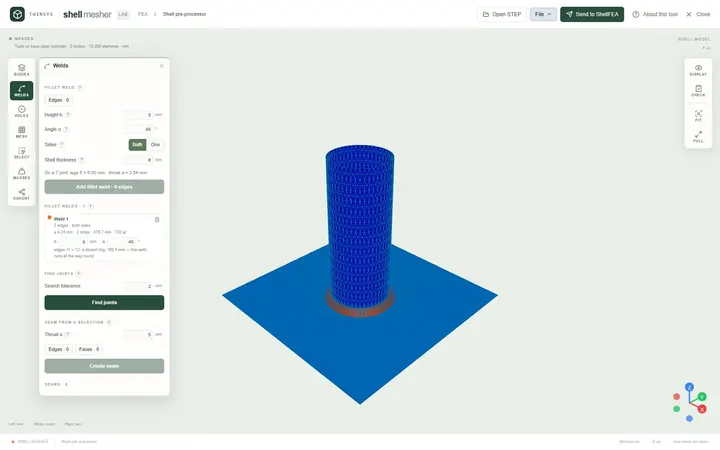
Shell Mesher
Free accountMesh STEP sheet bodies for shell analysis in the browser: thickness and element size per body, bolts in holes, fillet welds, one mesh file.
 New
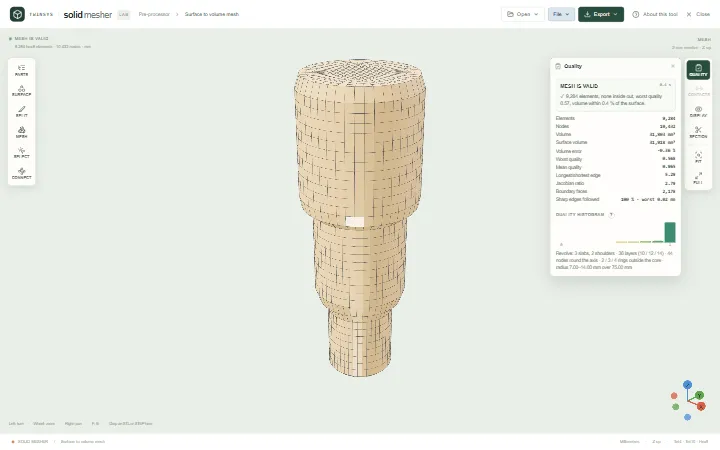
Solid Mesher
Free accountTurn a closed STL or STEP surface into a Tet4, Tet10 or Hex8 volume mesh, with structured meshers for shafts, sheets and cylinders.
 New
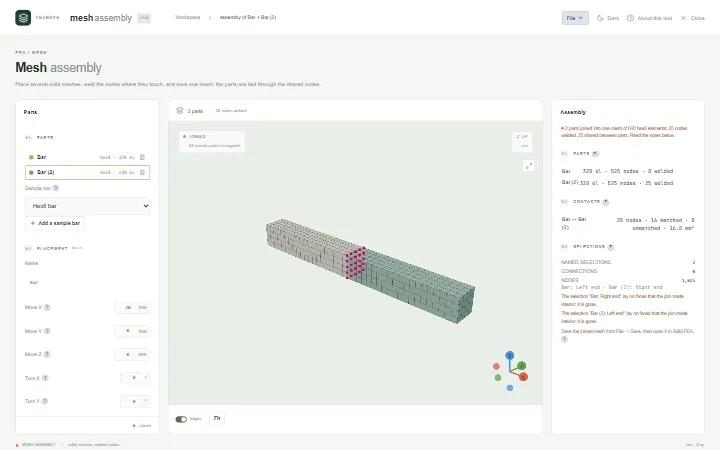
Mesh Assembly
PremiumPlace several solid mesh files, move and turn each part, weld the nodes where parts touch and save one mesh for the analysis.
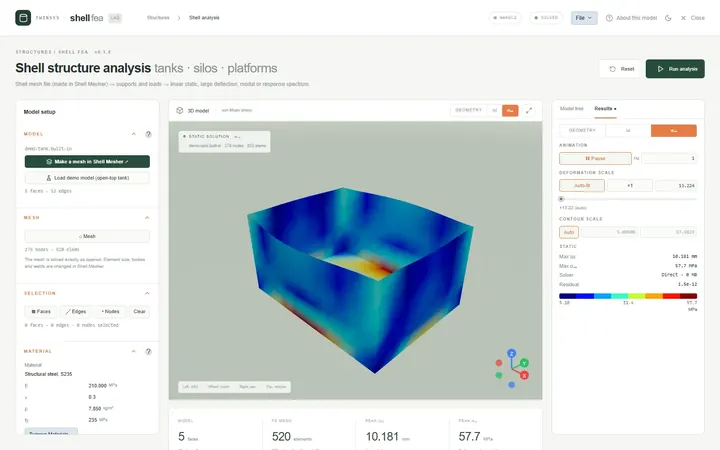
ShellFEA
PremiumFinite element analysis of welded steel tanks, silos and platforms from a shell mesh: static and large deflection, triangles and quads.
 New
Solid FEA
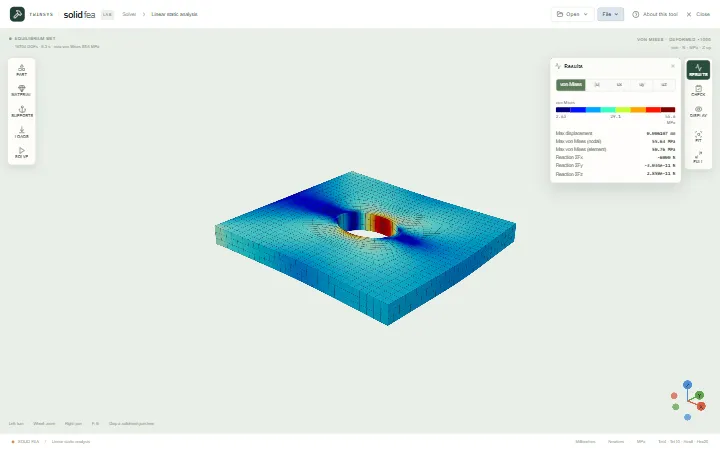
PremiumLinear static analysis of a Solid Mesher mesh: pick faces to hold and to load, solve, and read von Mises or displacement on the part.