Solid Mesher
volume meshes for solid FEA
Turn a closed STL or STEP surface into a Tet4, Tet10 or Hex8 volume mesh, with structured meshers for shafts, sheets and cylinders.
Product pages are in English.
Highlights
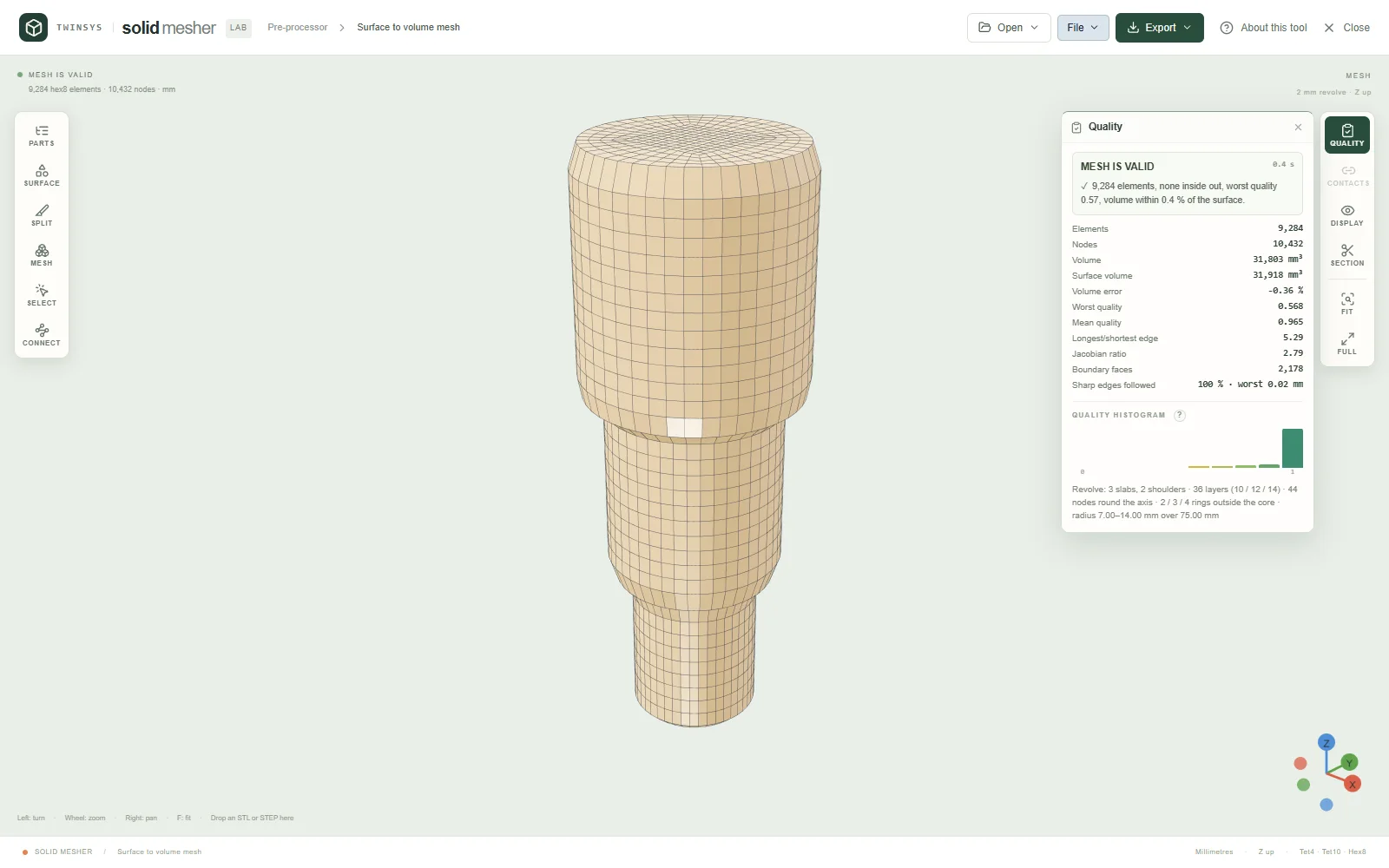
- Auto picks a structured mesher for sheet parts, turned shafts, cylinders and springs, else a lattice
- Hex8 bricks keep the boundary and snap onto sharp edges; Edge divisions set the nodes round a bore
- Mesh an assembly part by part, freeze the mesh of a part, and cut parts with the Chunker
- Cut parts mesh on one shared grid, so touching pieces share nodes; ties join pieces meshed apart
- Quality verdict, sections, named selections and connections; save .solidmesh.json and VTU (Premium)
Inside the tool
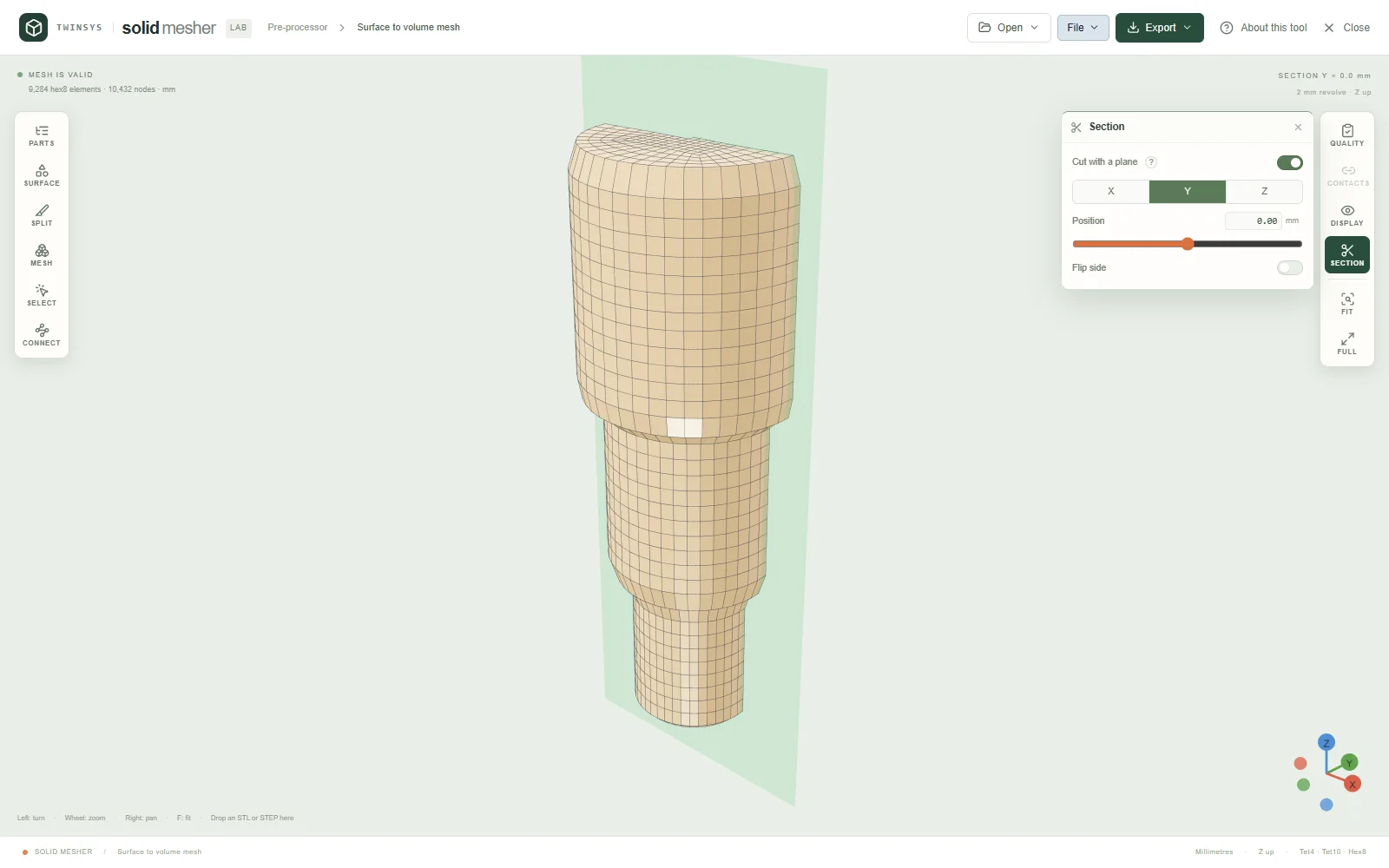
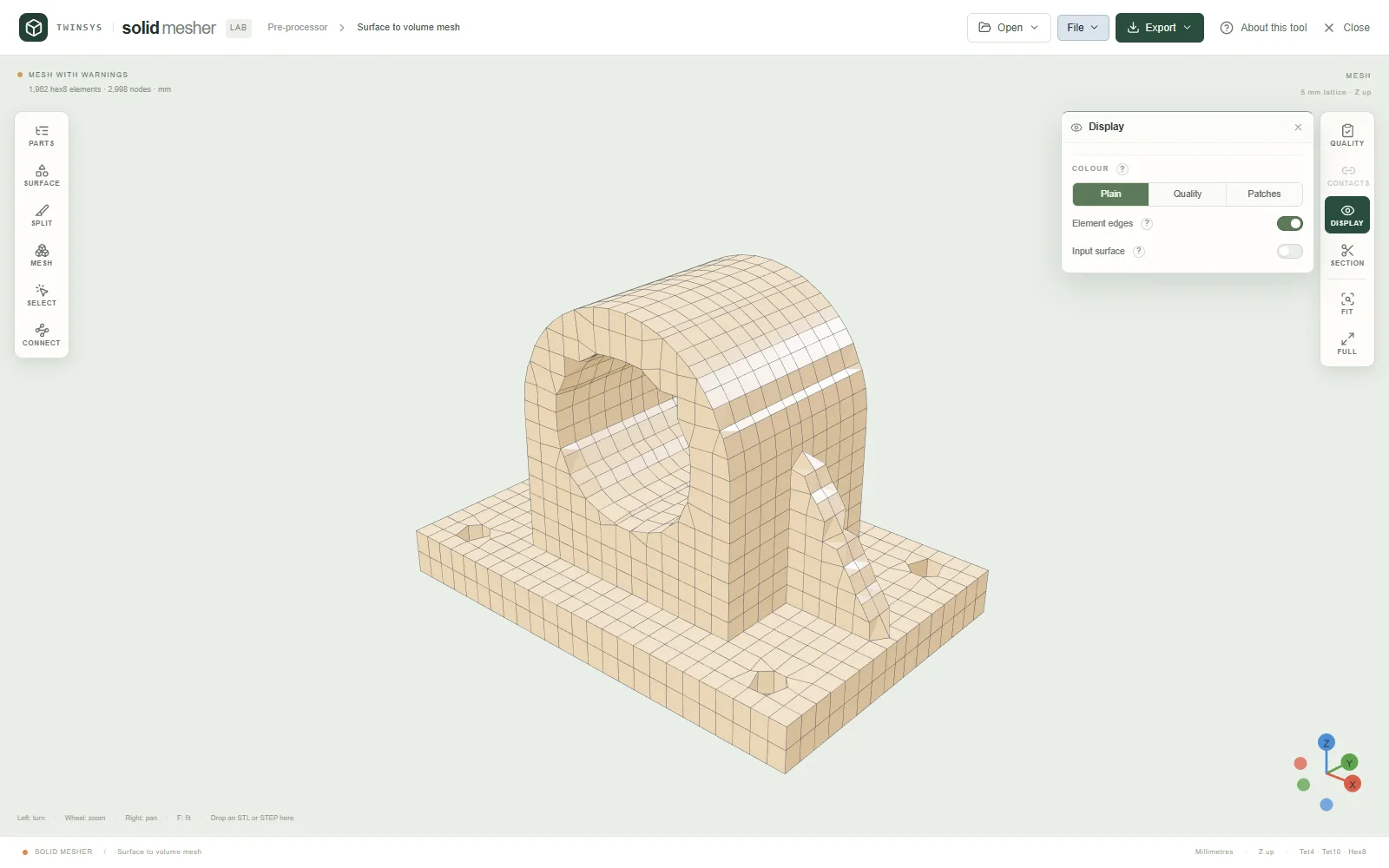
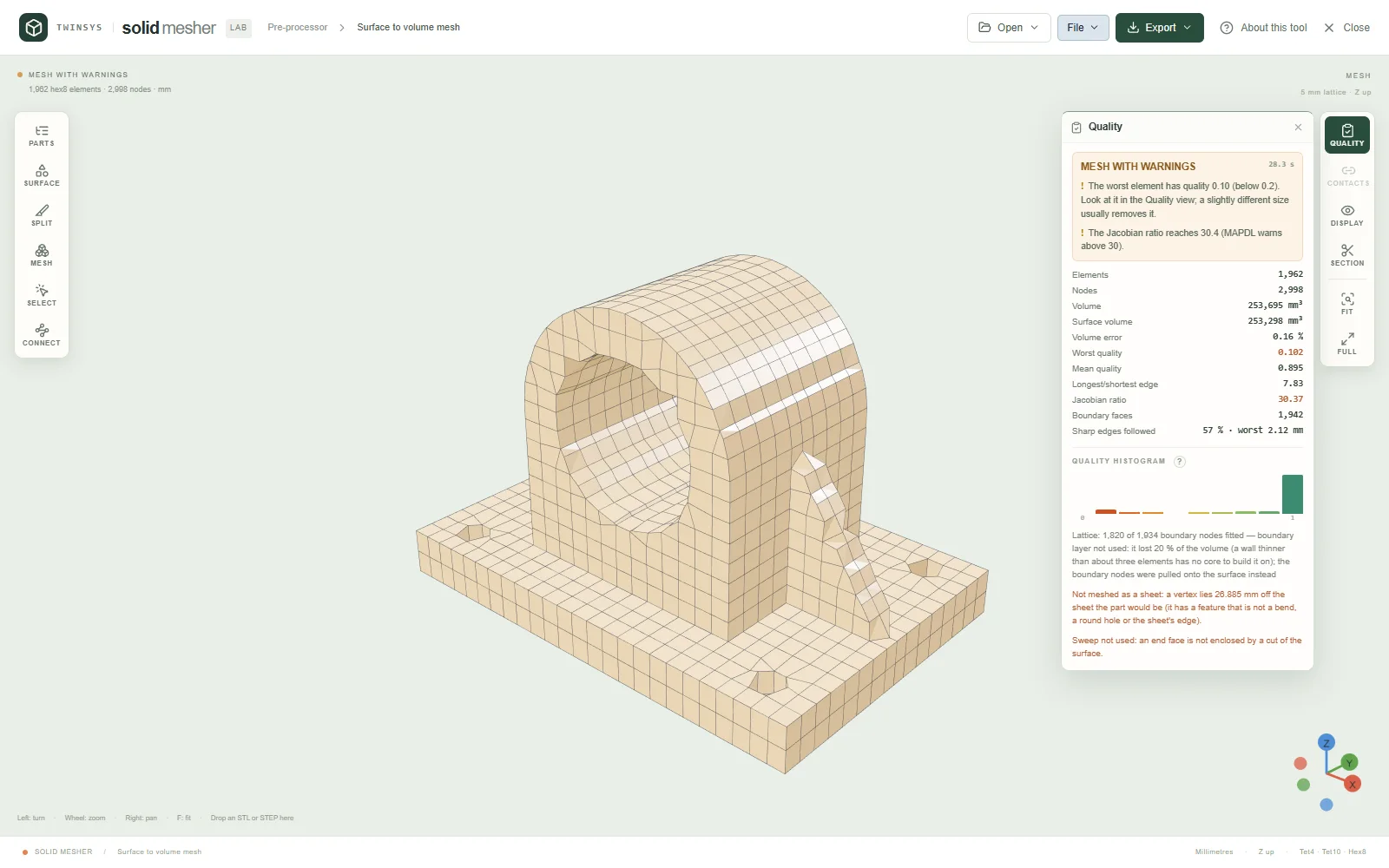
Click a picture to enlarge it. Every picture is a screenshot of the running app.
A question it answers
How do I mesh a stepped shaft with bricks that follow its shoulders and bores, and make a cut assembly share nodes where its parts touch?What you put in
A closed STL or STEP surface (you choose its unit, since STL files carry none) or one of the samples — cube, cylinder, sphere, hollow box, L-bracket, bent bracket, stepped shaft, torus, assembly, spring, bearing housing; the method, element kind and size.
What you get
A Tet4, Tet10 or Hex8 volume mesh with a quality verdict — elements, worst quality, volume error against the surface, sharp edges followed — sections, named selections and rigid or distributing connections, saved as .solidmesh.json or exported as VTU (both Premium).
More in this family
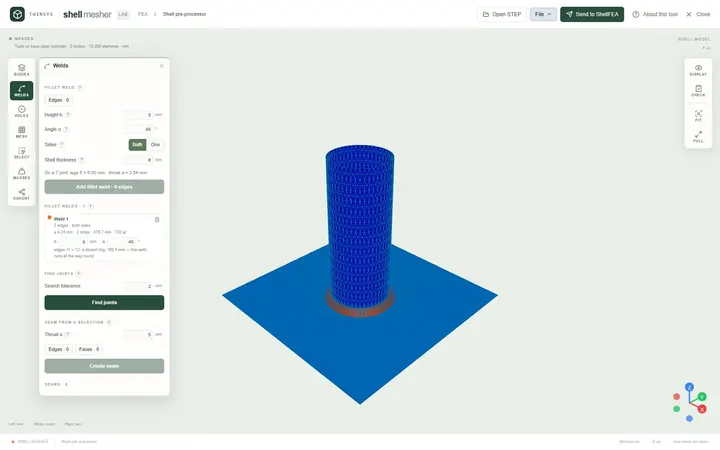
Shell Mesher
Free accountMesh STEP sheet bodies for shell analysis in the browser: thickness and element size per body, bolts in holes, fillet welds, one mesh file.
 New
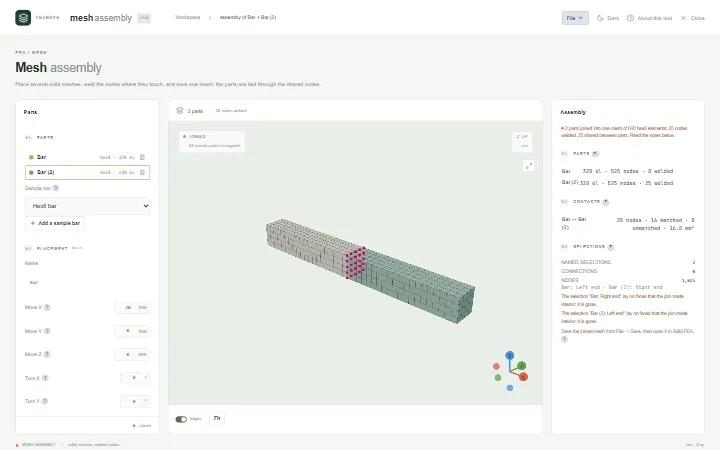
Mesh Assembly
PremiumPlace several solid mesh files, move and turn each part, weld the nodes where parts touch and save one mesh for the analysis.
 New
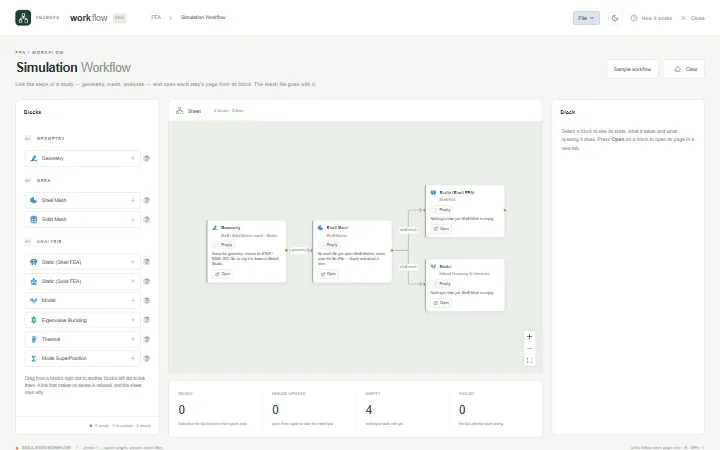
Simulation Workflow
Free accountA project sheet for a study: link geometry, meshers and analyses as blocks, see what needs updating and open each step.
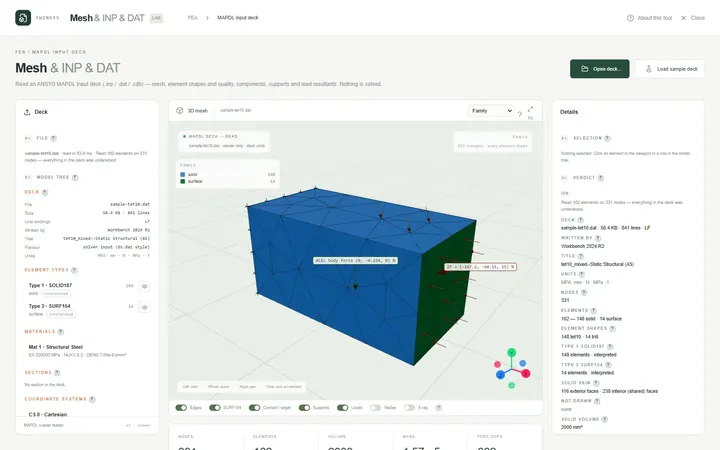
Mesh & INP & DAT
PremiumOpen ANSYS MAPDL input decks (.inp, .dat, .cdb) in the browser — mesh, supports, loads, DOFs — and solve them in Twinsys.
ShellFEA
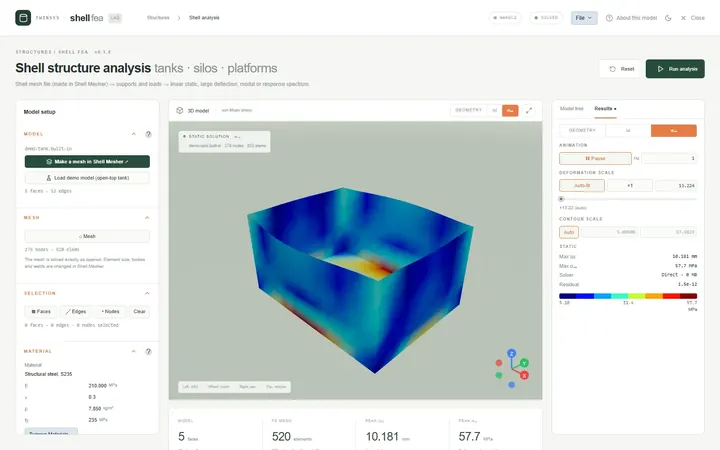
PremiumFinite element analysis of welded steel tanks, silos and platforms from a shell mesh: static and large deflection, triangles and quads.
 New
Solid FEA
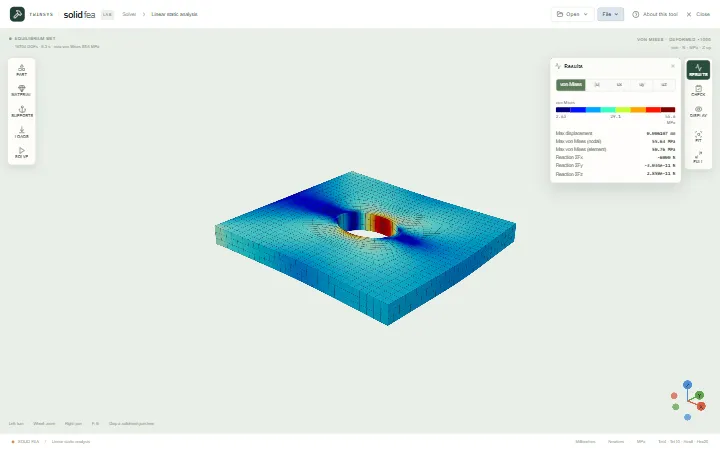
PremiumLinear static analysis of a Solid Mesher mesh: pick faces to hold and to load, solve, and read von Mises or displacement on the part.