Mesh & INP & DAT
ANSYS MAPDL deck viewer
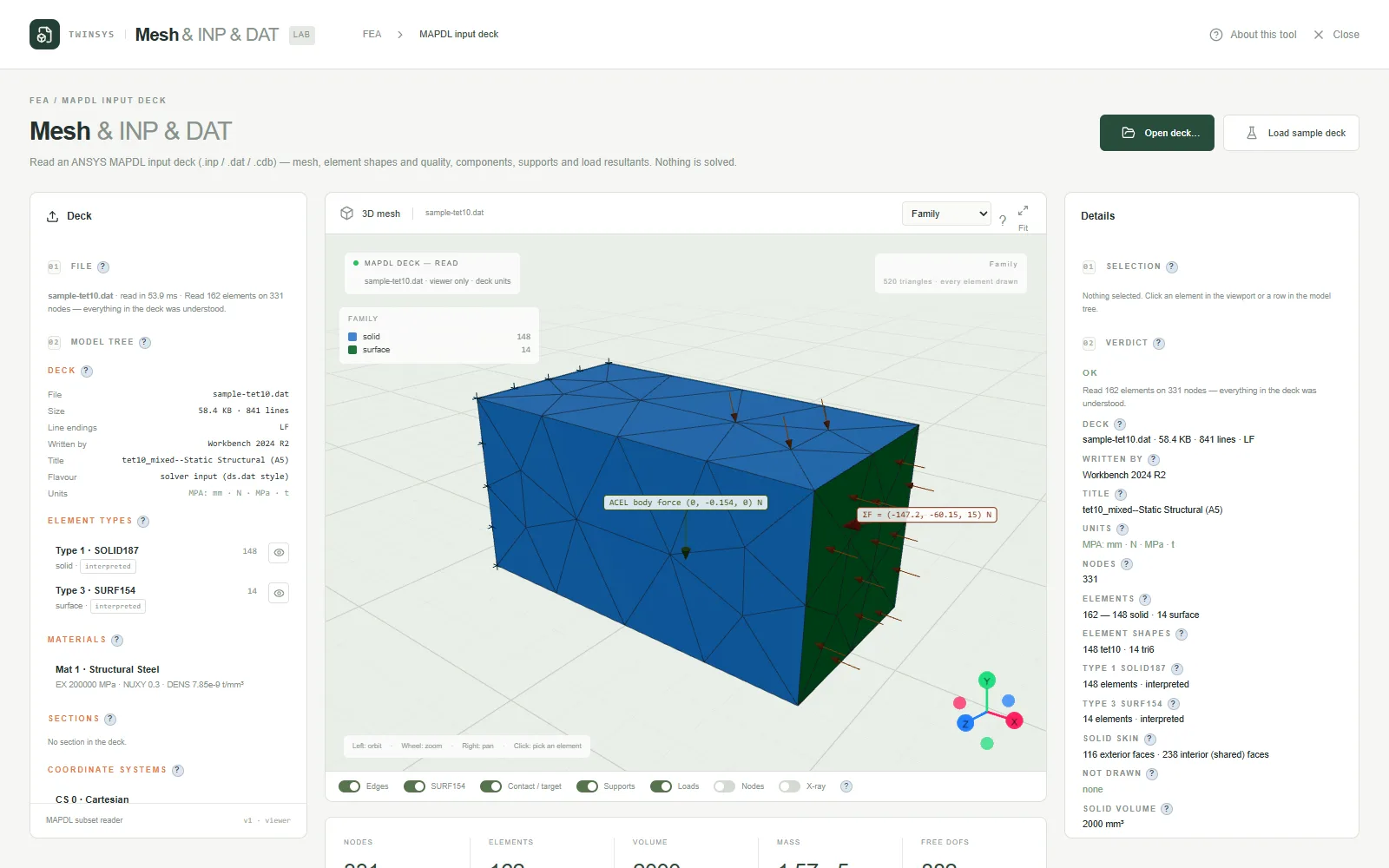
View ANSYS MAPDL input decks (.inp, .dat, .cdb) in the browser: mesh, supports, loads, DOF counts and mass, without solving anything.
Product pages are in English.
Highlights
- Reads element options the way MAPDL applies them at solve time, and lists any command it skipped
- Free and constrained DOF counts, load resultants and mass by material before you submit a run
- MAPDL Jacobian ratio per element with a histogram and an inverted-element count
- Model tree of element types, materials, sections, coordinate systems and components
- Colour by element type, material, section, shape or Jacobian, with X-ray and per-type hiding
A question it answers
Does this Workbench ds.dat really put 500 N in +Y on the loaded face, and how many free DOFs will MAPDL solve?What you put in
An ANSYS MAPDL deck — Workbench ds.dat saved as .inp or .dat, or a CDWRITE .cdb — opened from disk or dropped on the viewport, or the bundled sample deck (a small MAPDL 2024 R2 SOLID187 block with SURF154 pressure, nodal forces and gravity). View options: colour by family, element type, material, shape, section or Jacobian ratio; layers for edges, SURF154, contact and target, supports, loads and nodes; X-ray; hide any element type.
What you get
3D mesh with element picking; a model tree of element types (the KEYOPT the deck wrote beside the effective one Ansys solved with), materials, sections, coordinate systems, components, supports, loads and analysis settings; element details; node, element and face counts; volume and area by Gauss integration; mass, mass by material and centre of mass from each material's density; MAPDL Jacobian ratio per element with a histogram and an inverted-element count; constrained and free DOF counts; the resultant force and moment of the applied loads (pressures integrated over their faces, nodal forces, ACEL as a body force); and a diagnostics list naming every command that was not interpreted.
More in this family
Air Tank Cover
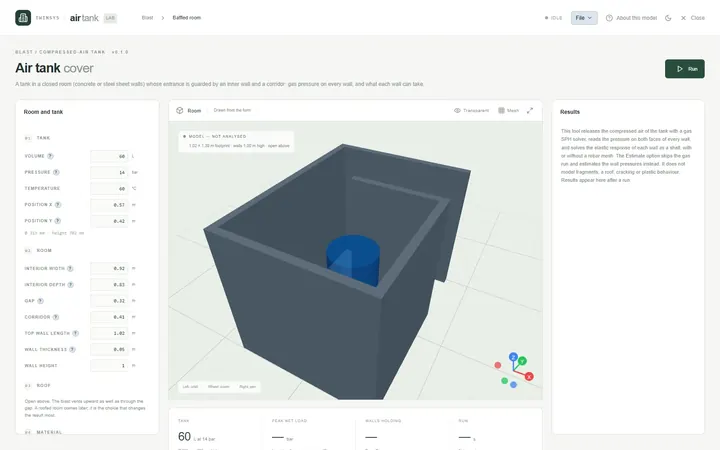
PremiumCheck the concrete or steel walls of a room around a compressed-air tank against the blast load if the tank releases its air.
Freezer Room
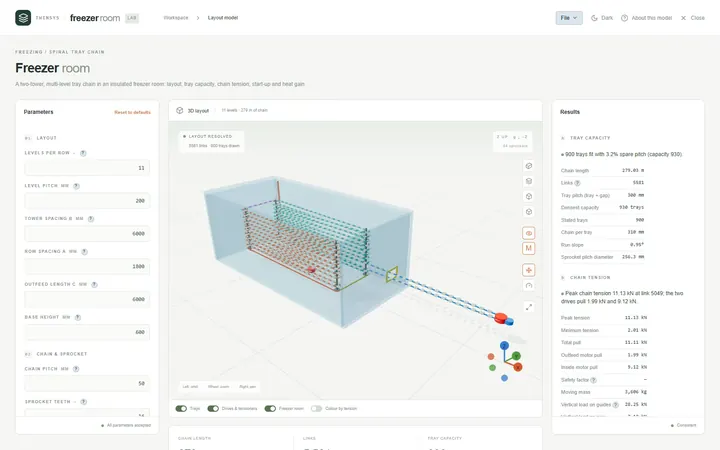
PremiumLay out a two-tower spiral tray chain in an insulated freezer room and check tray capacity, link tension, start-up and heat gain.
Bracket Designer
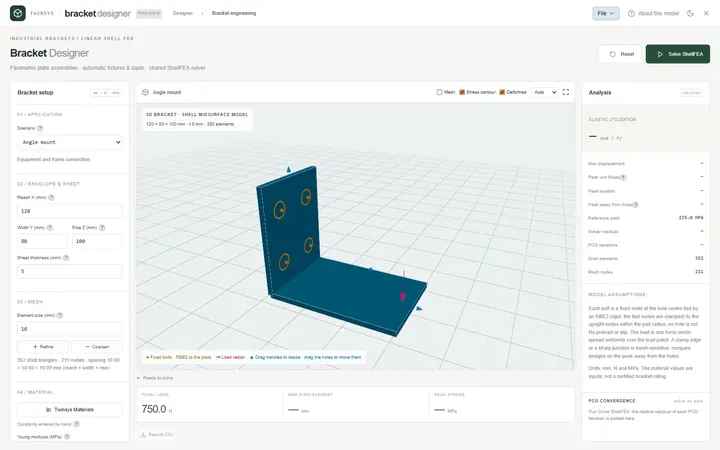
PremiumSize angle, shelf, gusseted and offset sheet-metal brackets with a linear elastic shell FEA that sets up its own wall bolts and load.
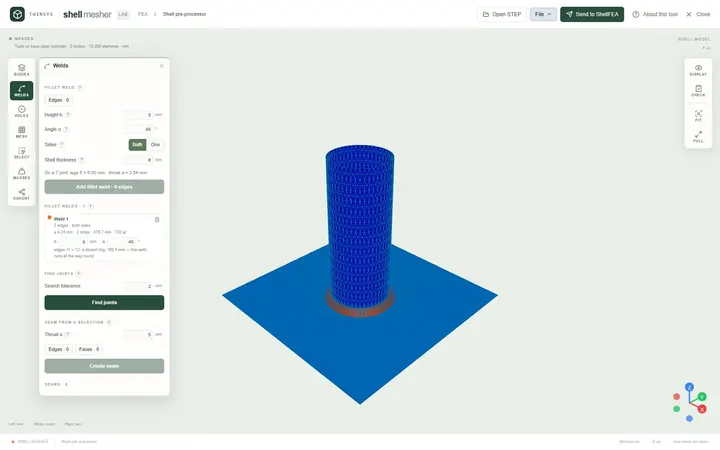
Shell Mesher
Free accountMesh STEP sheet bodies for shell analysis in the browser: thickness and element size per body, bolts in holes, fillet welds, one mesh file.
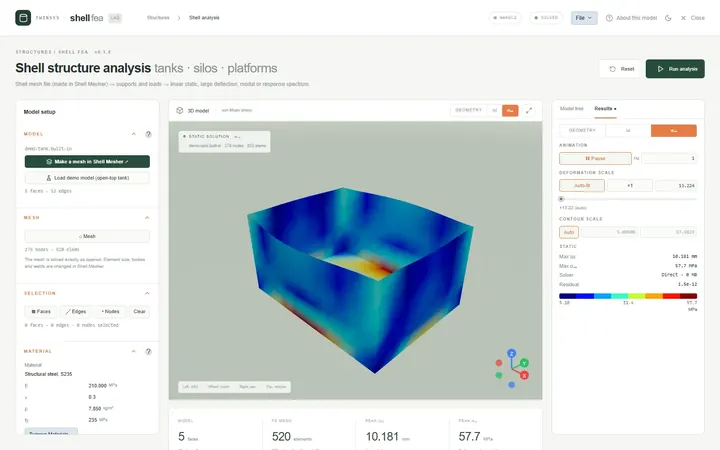
ShellFEA
PremiumFinite element analysis of welded steel tanks, silos and platforms from a shell mesh: static, large deflection, modal and seismic spectrum.
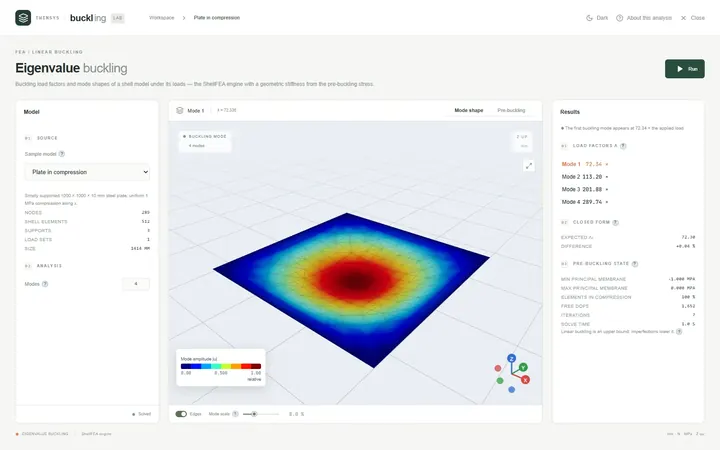
Eigenvalue Buckling
PremiumFind the load factors at which a shell structure buckles and see each buckling mode shape, from a ShellFEA model or a sample.