ESP32 Lab
Arduino sketches on a virtual ESP32
Write an Arduino sketch and run it on a virtual ESP32 wired to LEDs, a button and a knob — with a serial monitor and a schematic.
Product pages are in English.
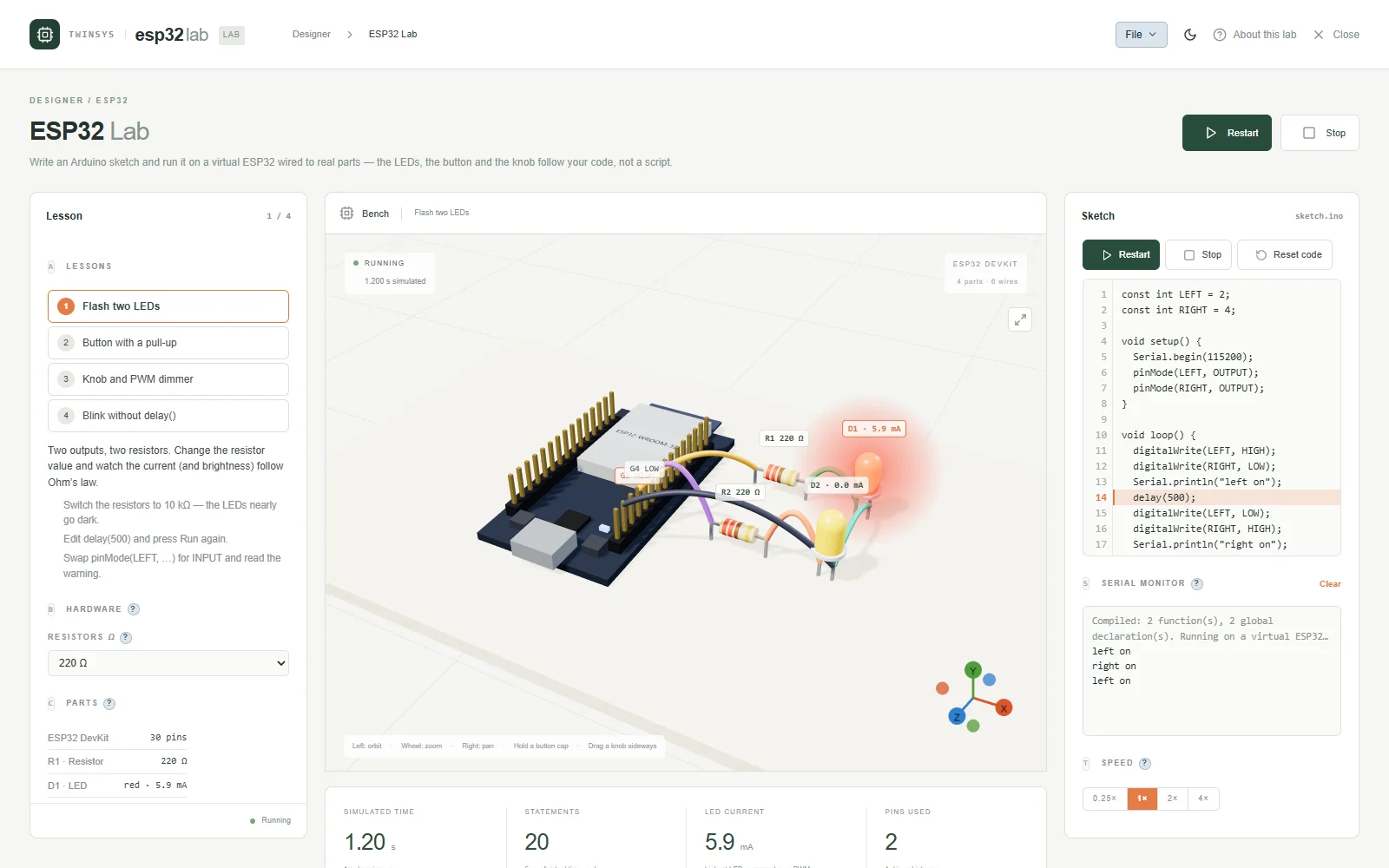
Highlights
- A real interpreter for a C subset: compile errors with the line marked, not a script playing back
- The LEDs, button and knob follow your code; LED currents follow Ohm's law as you change a resistor
- A 3D bench, a serial monitor, simulated time and a speed control from 0.25× to 4×
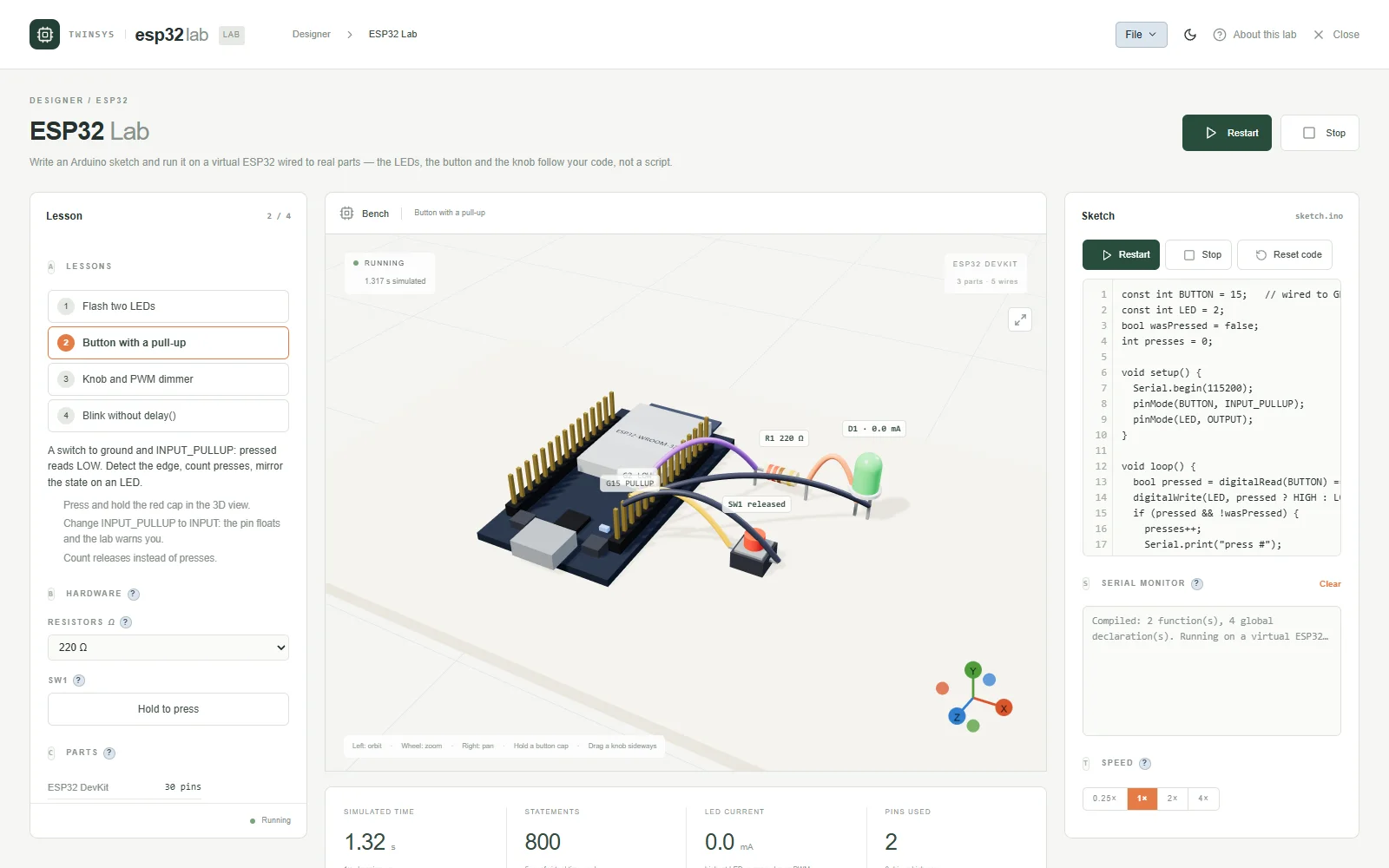
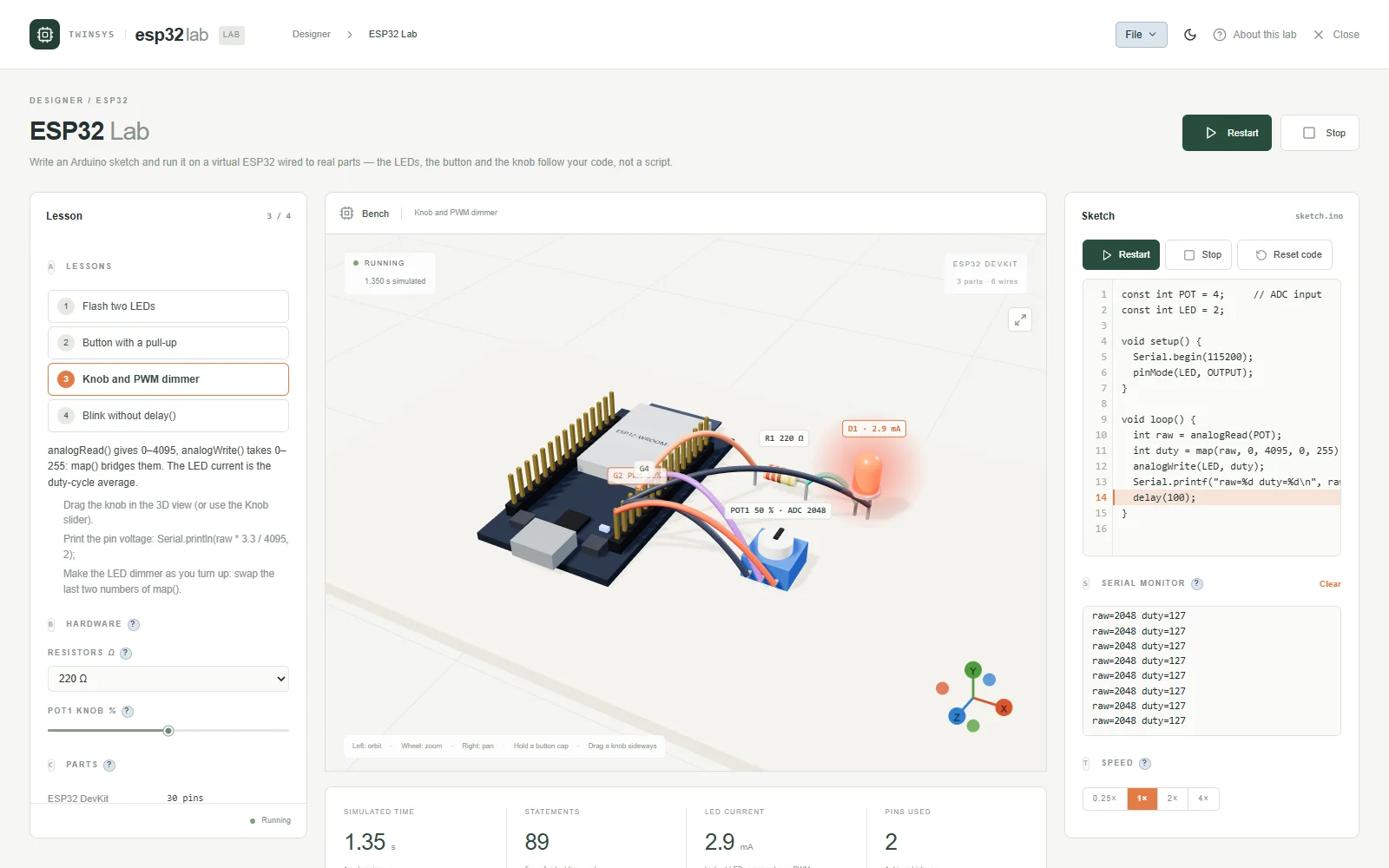
- Four lessons: two LEDs, a button with a pull-up, a knob and a PWM dimmer, blink without delay()
- A schematic drawn from the same connections as the bench
Inside the tool
Click a picture to enlarge it. Every picture is a screenshot of the running app.
A question it answers
What does my sketch really do on the pins — how bright is the LED with a 10 kΩ resistor, and does the button read what I think?What you put in
An Arduino-style sketch (a C subset: setup(), loop(), pinMode, digitalWrite, analogWrite, digitalRead, analogRead, delay, Serial), the choice of resistor, and the button and knob on the bench.
What you get
The run on a virtual ESP32: LED currents and brightness, the serial monitor, simulated time and the number of statements run, the pins used, a schematic of the wiring, and compile errors with the line marked. A teaching simulation — it is not a hardware emulator.
More in this family
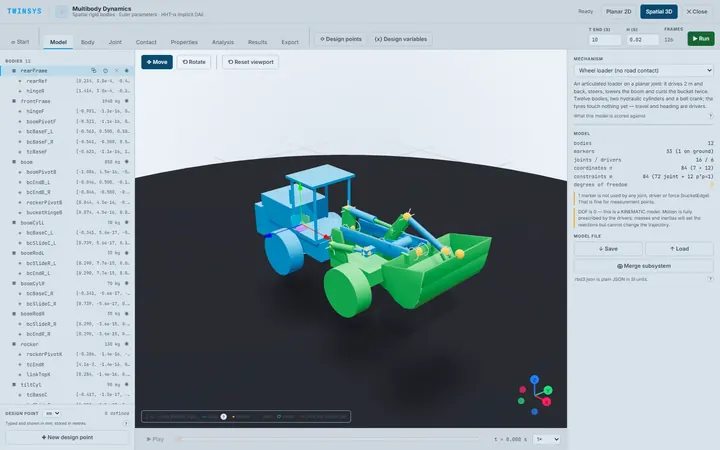
Multibody Dynamics
PremiumRigid-body mechanism dynamics in 2D and 3D, with flexible parts from Mode SuperPosition: joints, drivers, springs, bushings and contact.
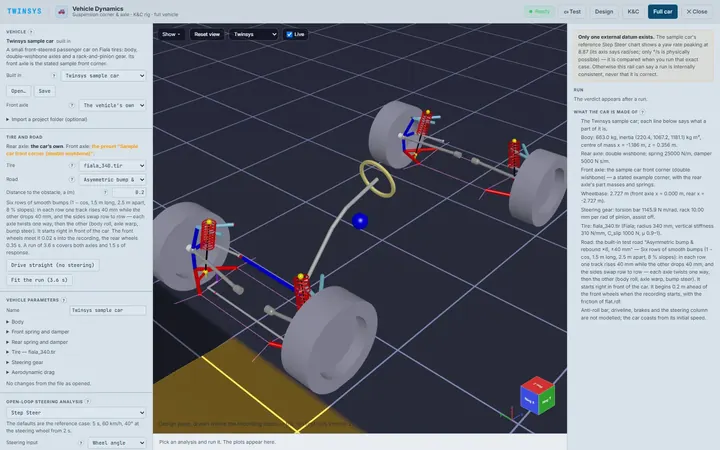
Vehicle Dynamics
Free accountBuild a suspension corner from hardpoints, run kinematics and compliance sweeps, and drive a full vehicle over test roads in 3D.
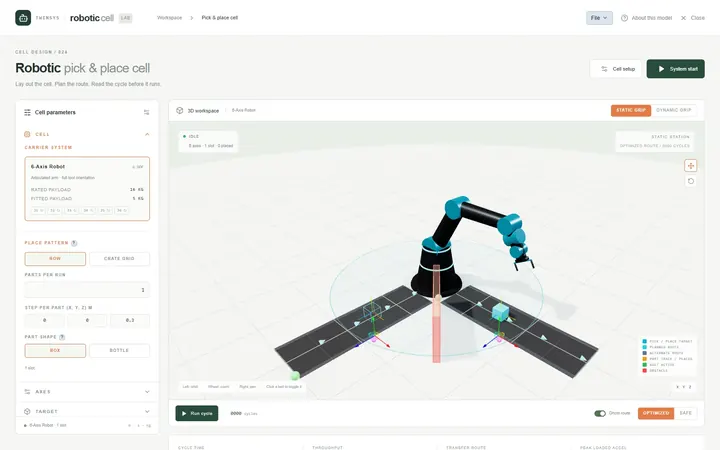
Robotic Cell
PremiumLay out a pick-and-place cell for a palletiser, six-axis arm, SCARA or gantry, plan a collision-free route and get the cycle time.
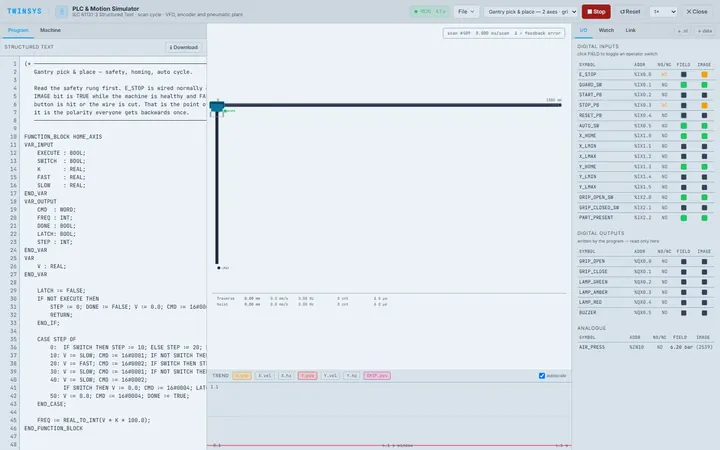
PLC & Motion Simulator
PremiumTest control logic on a simulated machine before it reaches hardware: Structured Text on a real scan cycle, or your PLC over Modbus TCP.