CAM Studio
lathe programs from STEP, G-code for many controllers
Write CNC lathe programs from a STEP part, prove them on the bar and against the chuck, and read G-code written for many controllers.
Product pages are in English.
Highlights
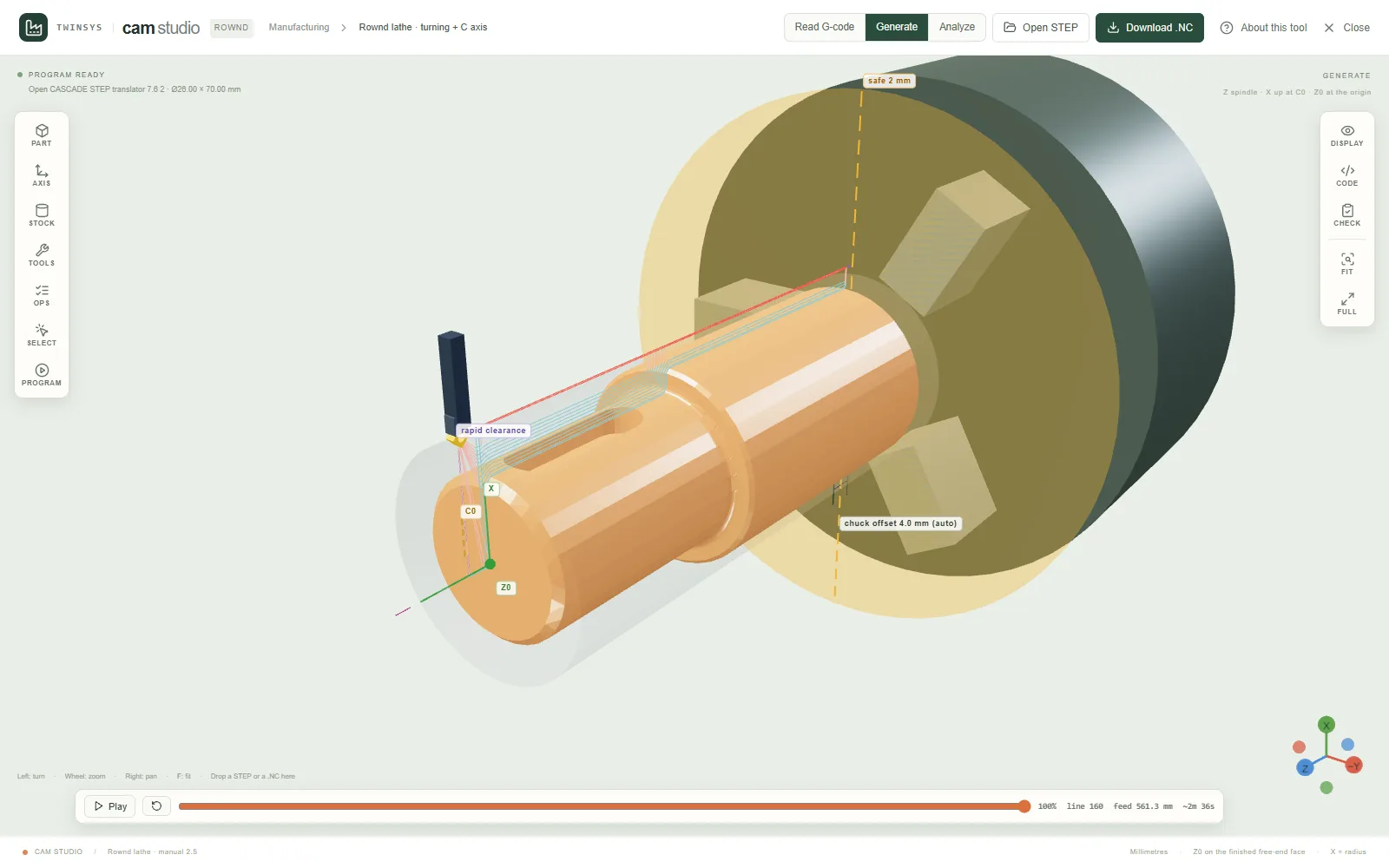
- STEP to a Rownd lathe program: facing, roughing, finishing, grooves, part-off and the threads you declare
- Radial holes, centred keyways and narrow flats get a 4th-axis live-tool program: three files in run order
- Every move is run on a model of the bar and checked against the chuck jaws and a safe distance
- Pick faces in 3D for the turning axis, Z0 and C0; a tool table with ISO insert and holder codes
- Analyze reads Fanuc, Siemens, Heidenhain, Okuma, LinuxCNC, Mach3/4, GRBL and more programs
A question it answers
Can I turn this shaft from its STEP file, mill the keyway with the live tool, and be sure no cutter comes near the chuck jaws before the program goes to the machine?What you put in
A STEP file of a turned part (or one of the sample parts); the material from the machine manual's cutting tables, the bar, the stock, the chuck offset, the safe distance and the rapid clearances; the roughing strategy and the tools, with ISO insert and holder codes; declared threads; faces picked in 3D for the turning axis, Z0 and C0. For Analyze, a G-code program written for any supported controller, detected or chosen.
What you get
Programs for the Rownd CNC lathe (.NC): one turning program, or three files in run order when the part has live-tool features (turn, 4th axis, part-off); a run of every program on a model of the bar that says whether it cuts clean, with each tool's nearest approach to the chuck jaws; a 3D back-plot with the part, the chuck and its limits beside a synchronised program editor. For Analyze, the tools, operations, recognised features, statistics, a time estimate and findings such as no feed, a rapid into the stock or travel beyond the machine.
More in this family
Sketch Studio
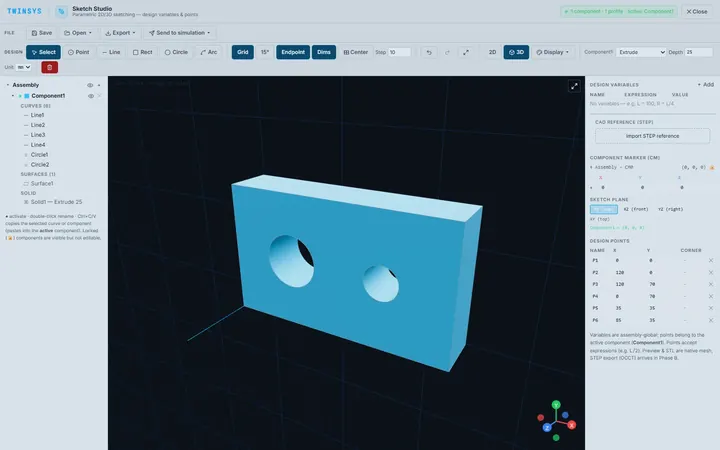
PremiumParametric 2D sketching with design variables, extrude and revolve to simple 3D parts, and STEP or STL export, in the browser.
PolyNURBS
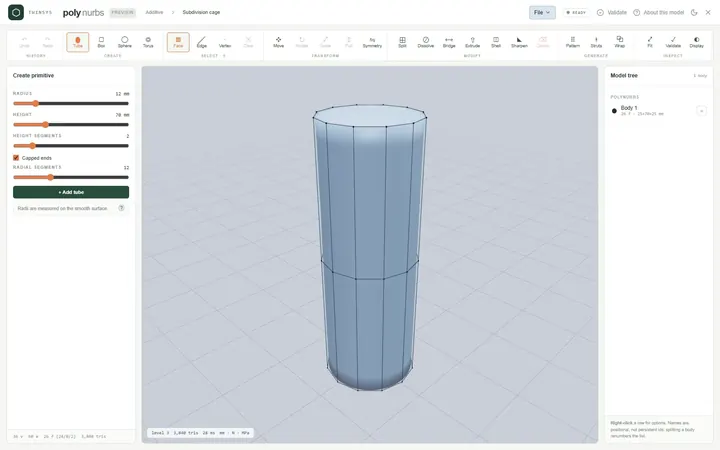
PremiumModel smooth organic parts from a quad control cage with subdivision surfaces, or wrap a faceted mesh into an editable cage.
Node Studio
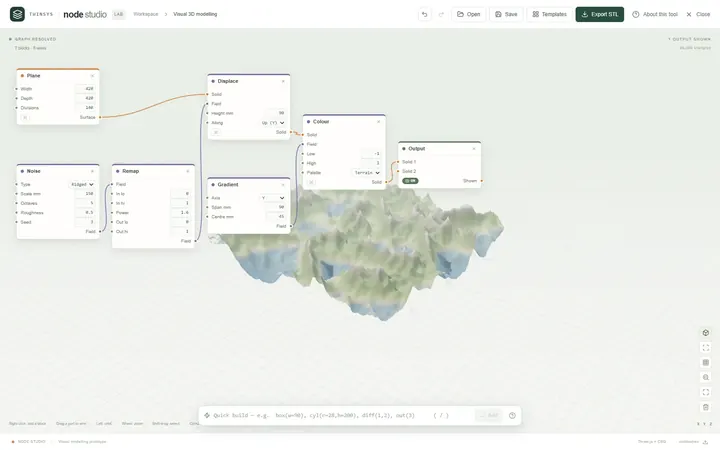
Free accountA visual node-based 3D modeller: wire blocks together and the geometry rebuilds as you type, with lists, fields and booleans.
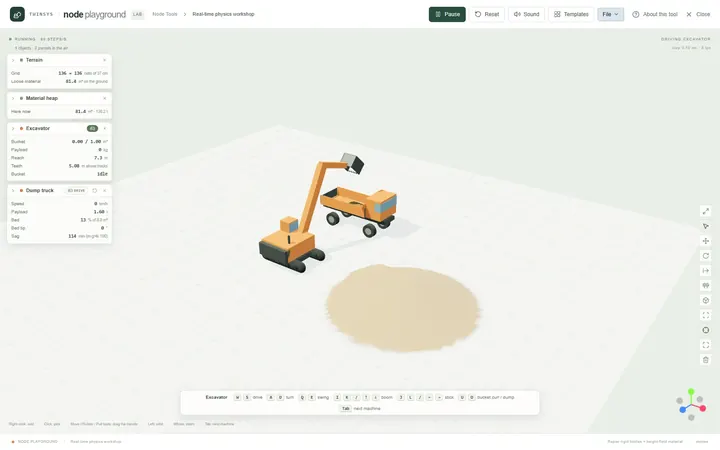
Node Playground
Free accountA real-time physics workshop: drop machines, material, water and structures on the ground and drive them with the keyboard.
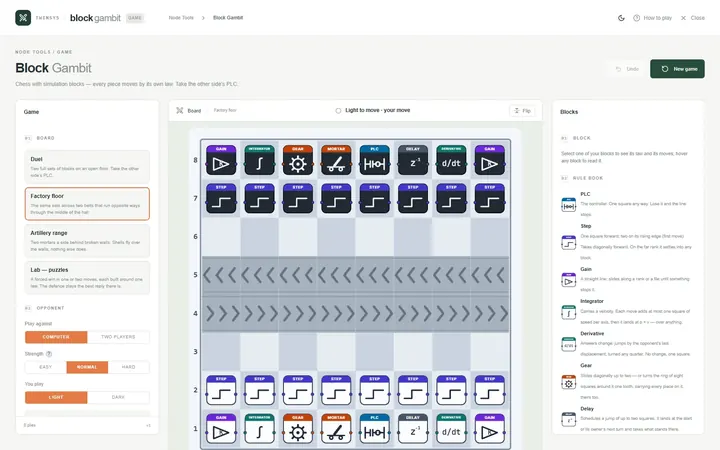
Block Gambit
Free accountChess played with simulation blocks: every piece moves by its own law, and you win by taking the other side’s PLC.
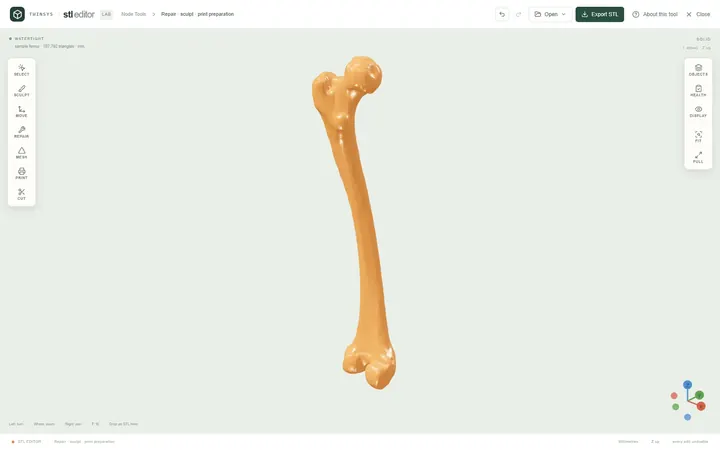
STL Editor
Free accountOpen an STL, see exactly what is wrong with it, repair, edit or sculpt it, and find the orientation that needs least support.