STL Editor
repair, sculpt and print preparation
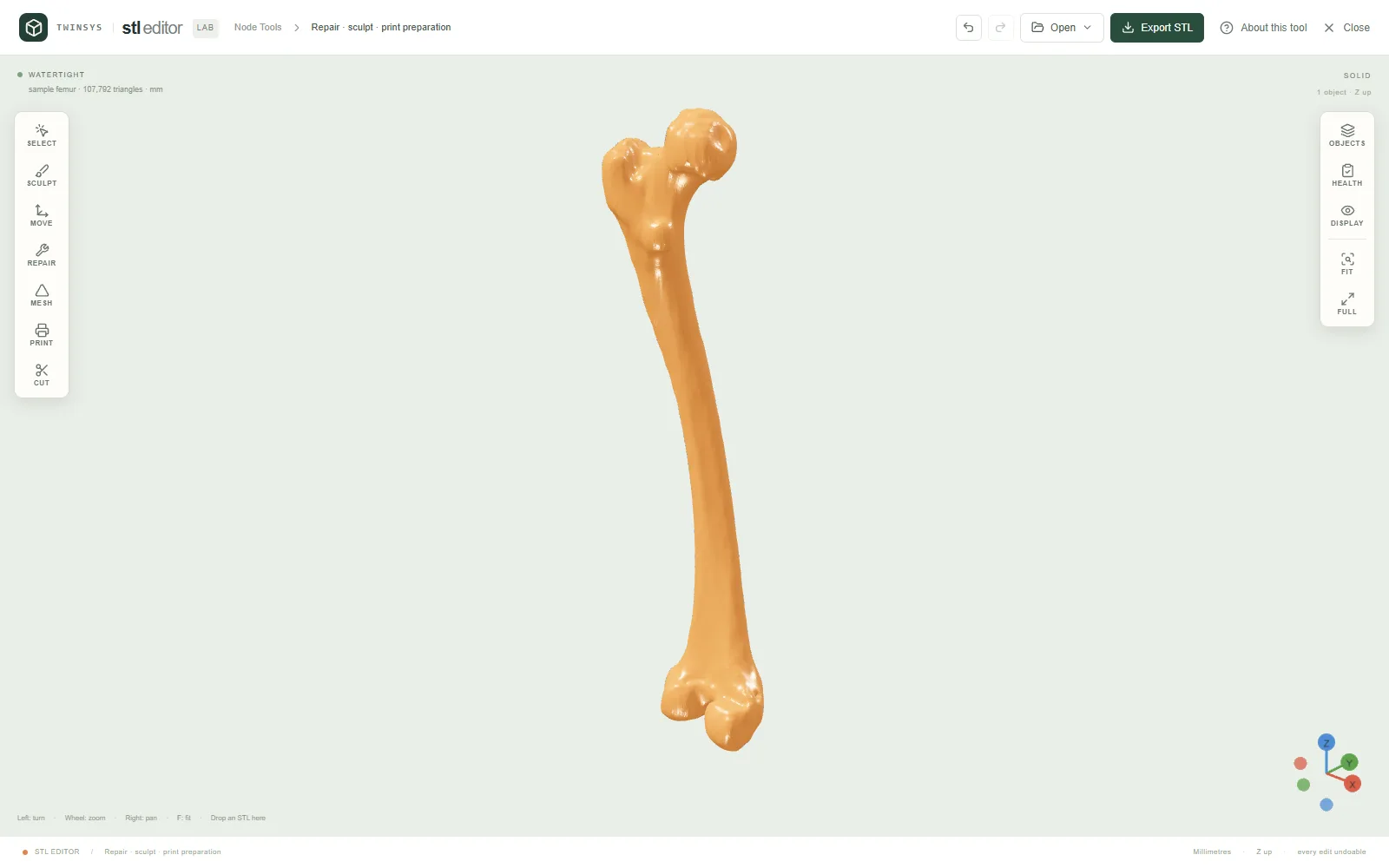
Open an STL, see exactly what is wrong with it, repair, edit or sculpt it, and find the orientation that needs least support.
Product pages are in English.
Highlights
- Health report: open and non-manifold edges, flipped faces, degenerate triangles, floating shells
- Repair step by step or all at once, and undo any edit
- Select faces by brush, region or shell to fill, delete, extract, flip, smooth or extrude them
- Six sculpt brushes with symmetry; reduce, subdivide, smooth, or cut with a plane and close the cut
- Overhangs painted, orientations ranked by support area; binary STL in mm, free with an account
A question it answers
Is this STL closed and printable, what exactly is wrong with it if not, and which way up should it lie on the bed to need the least support?What you put in
Binary or ASCII STL files read in a declared unit (mm, cm, m or inch) and welded on load; five samples: four closed solids (cube, cylinder, sphere, hollow box) and a scanned femur (107,792 triangles, closed, with nine floating debris shells) downloaded when chosen; face selections by brush, region or shell; sculpt brush, size, strength, invert and symmetry; repair tolerances (weld distance, largest hole to fill, smallest shell to keep); reduce share, subdivision and smoothing iterations; the critical overhang angle; cut axis, position and the side to keep.
What you get
A health report (verdict, defect counts drawn on the model, volume, surface area, size, centre of mass, import facts); the repaired, edited, reduced or cut meshes as separate objects; the overhang area and print height with the orientations ranked by support area; binary STL in millimetres.
More in this family
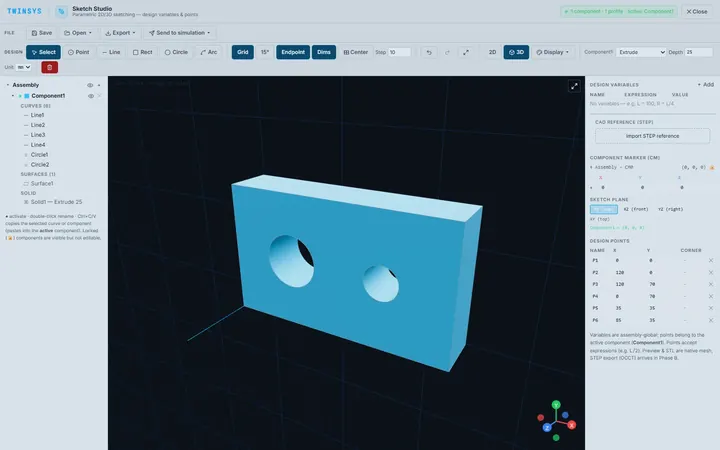
Sketch Studio
PremiumParametric 2D sketching with design variables, extrude and revolve to simple 3D parts, and STEP or STL export, in the browser.
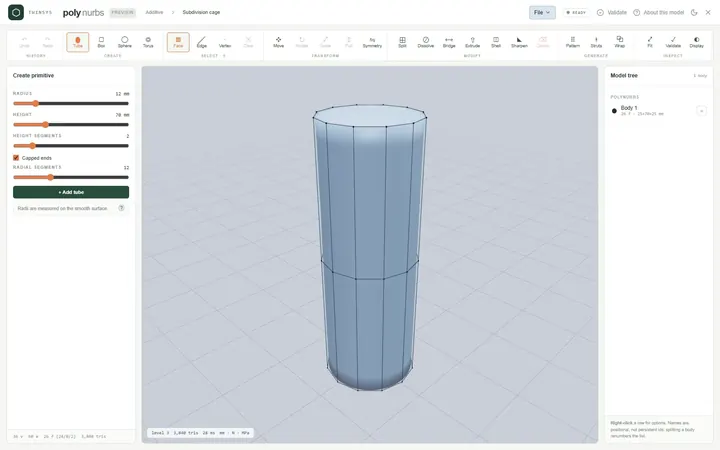
PolyNURBS
PremiumModel smooth organic parts from a quad control cage with subdivision surfaces, or wrap a faceted mesh into an editable cage.
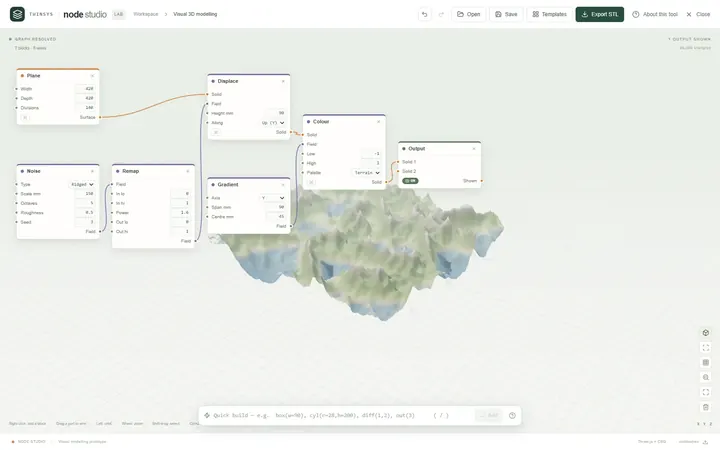
Node Studio
Free accountA visual node-based 3D modeller: wire blocks together and the geometry rebuilds as you type, with lists, fields and booleans.
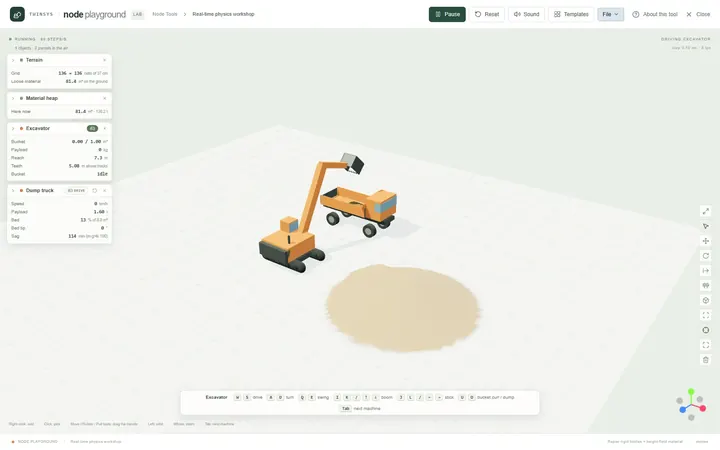
Node Playground
Free accountA real-time physics workshop: drop machines, material, water and structures on the ground and drive them with the keyboard.
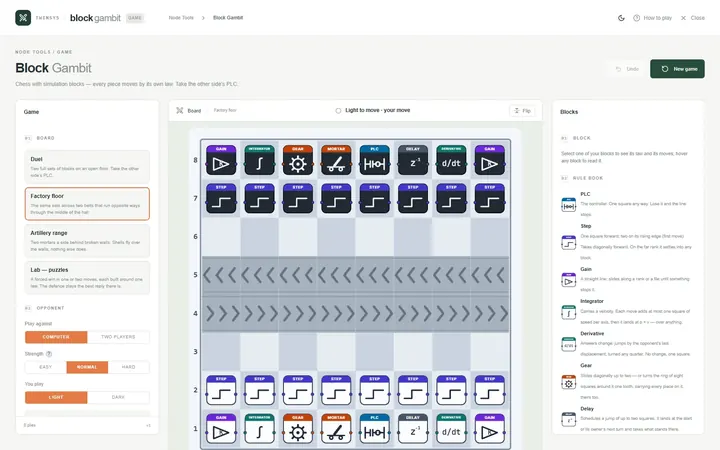
Block Gambit
Free accountChess played with simulation blocks: every piece moves by its own law, and you win by taking the other side’s PLC.
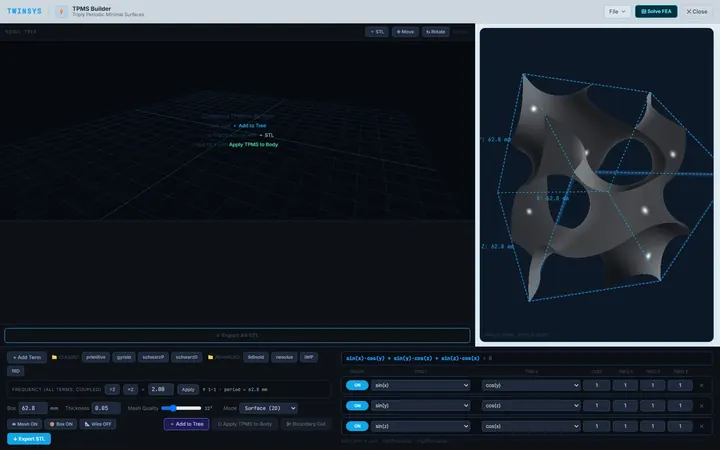
TPMS Builder
PremiumDesign gyroid and other TPMS unit cells, fill an STL body with them, and measure the cell's effective stiffness with shell FEA.