TWINSYS · SIMULATION WORKSPACE
Simulation Canvas
block-diagram system simulation
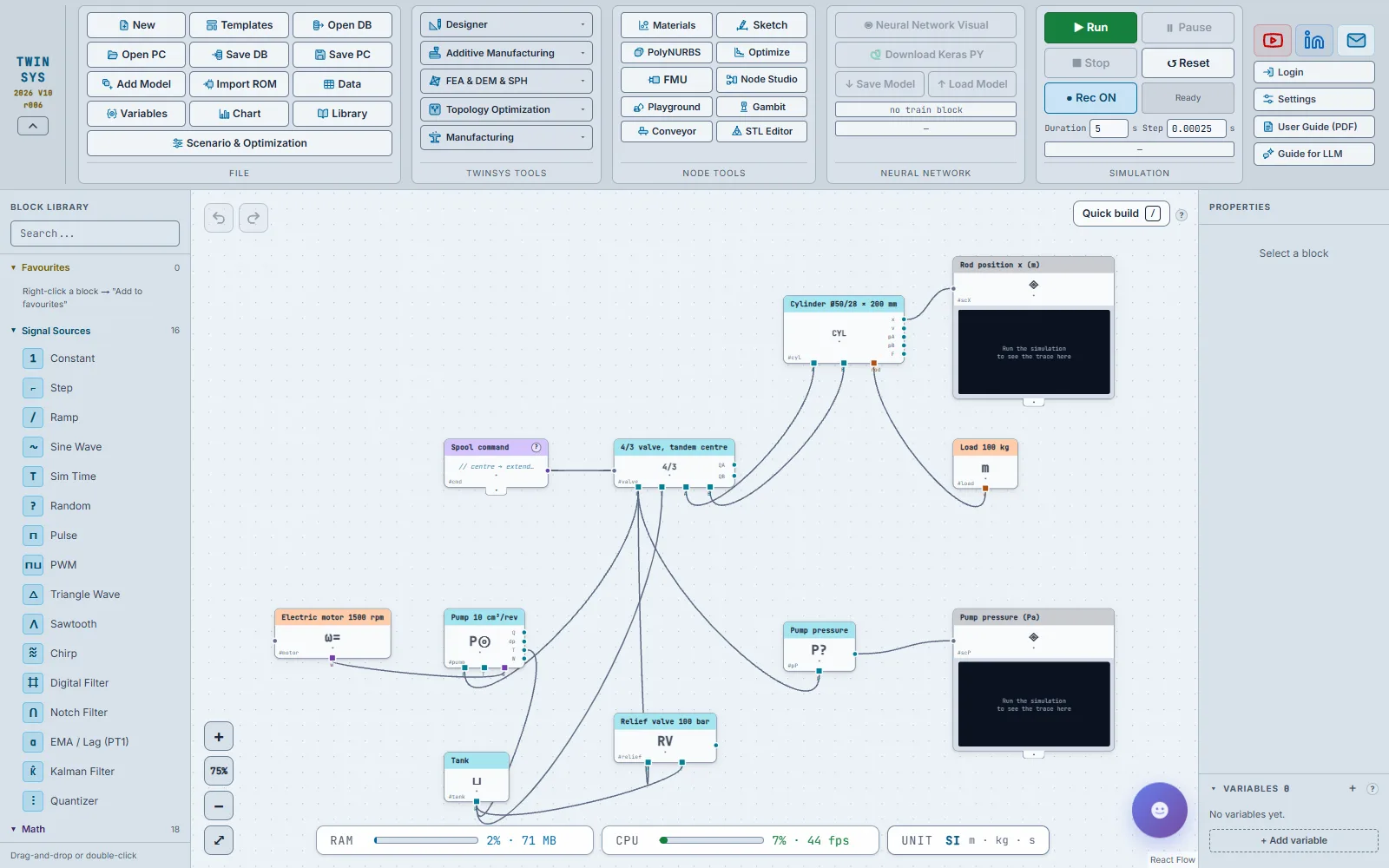
Build a system model from blocks on a canvas — control, mechanical, hydraulic, thermal, electrical and FMUs — and run it in your browser.
Open in Twinsys ↗Free — no sign-in
Product pages are in English.
Highlights
- PID, transfer function, state-space, fuzzy logic and state machines, with smooth steps for sequences
- Hydraulic pumps, valves, cylinders and motors on conserving pins, so the load acts back on the pump
- Import FMI 1.0/2.0 FMUs via the local Twinsys FMU Host and export the canvas as an FMI 2.0 FMU
- Live scopes, gauges and CSV export; Premium adds scenario studies that tune parameters by simulation
- Try it without signing in; a free account gets more runs and Premium removes the run limit
A question it answers
How quickly does a PID-controlled motor reach its set speed when a load torque steps in, and how far does the speed dip and overshoot?What you put in
Blocks from the library or a template (control, mechanical, hydraulic) dragged onto the canvas or written as a Quick Build line, their parameters, wires between ports and pins, variables, CSV data tables, imported FMUs (FMI 1.0 / 2.0) and TwinROM components sent from the Twinsys tools; solver time step and end time.
What you get
Live scopes, gauges and result tables, CSV export, scenario studies and optimisation of block parameters against a simulated response, export of the canvas as an FMI 2.0 co-simulation FMU, and a Keras script for neural-network models.