Condensed Part
Ansys Mechanical substructure viewer
Open an Ansys Mechanical Condensed Part (.cpa), check it and solve the reduced model for natural frequencies and effective masses.
Product pages are in English.
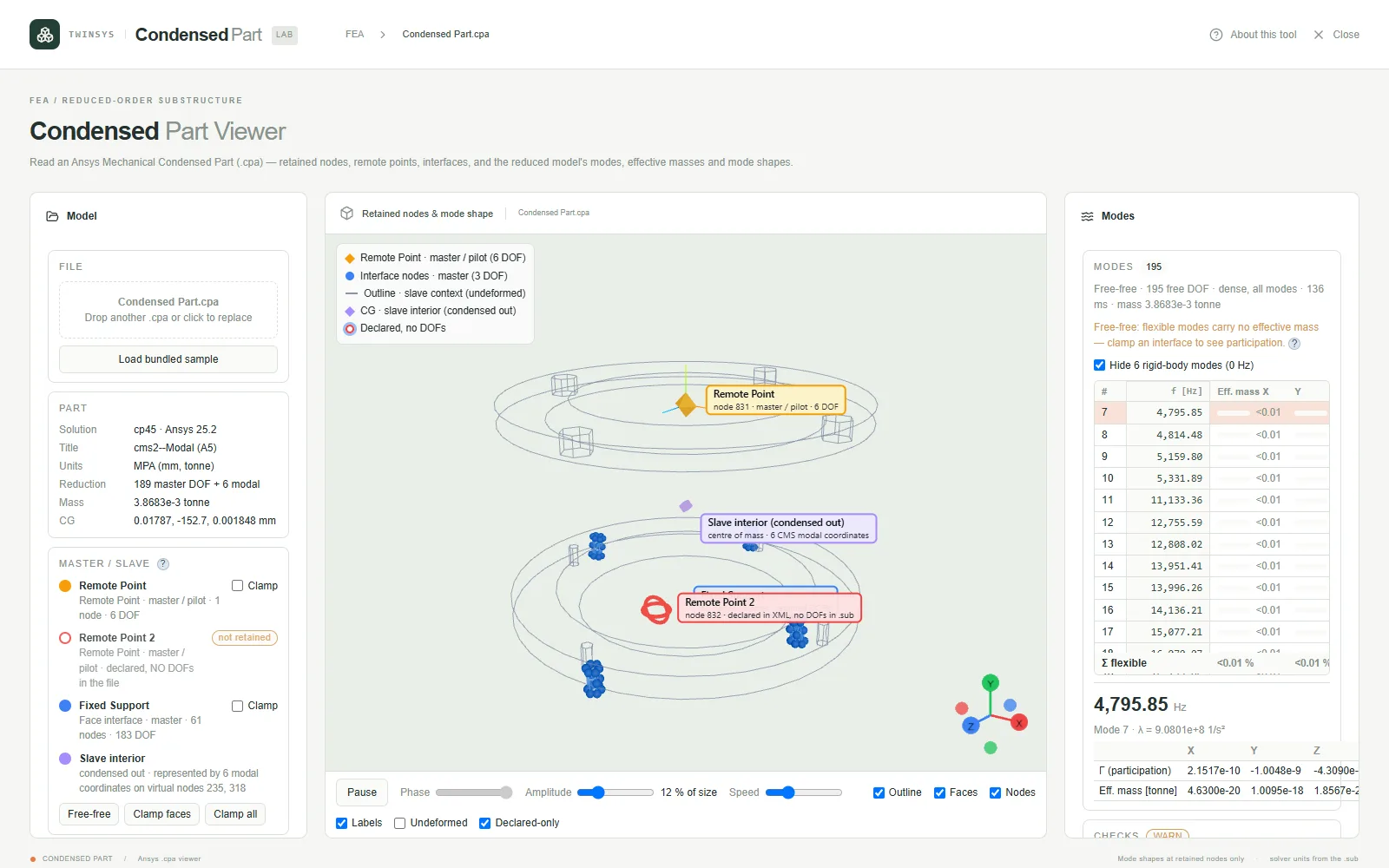
Highlights
- Reads the interface definitions and the binary substructure inside the archive
- Checks symmetry, rigid-body motions, total mass and centre of gravity against the recorded values
- Free-free modes by default, or clamp chosen interfaces; frequencies and effective mass per axis
- Animated mode shapes at the retained nodes, with node picking
- Bundled sample part to try before opening your own file
A question it answers
What are the first natural frequencies of this condensed part with its fixed-support face clamped, and how much mass does each mode move in X, Y and Z?What you put in
A .cpa file opened from disk, or the bundled sample (a 195-DOF part); a Clamp choice per interface, with Free-free, Clamp faces and Clamp all shortcuts; above 400 free DOFs, the number of flexible modes to compute (4 to 200); mode-shape playback phase, amplitude and speed; display toggles for outline, faces, nodes, labels, undeformed shape and declared-only interfaces.
What you get
3D view of the retained nodes (remote-point pilots, face-interface nodes and their faces), the part outline and its centre of gravity; a part summary (Ansys version, unit system, master and modal DOF counts, mass, centre of gravity); a mode table with frequency in Hz and effective mass per axis as a percentage, with flexible-mode totals; participation factors and effective masses of the selected mode; an animated mode shape at the retained nodes; node picking with the mode-shape displacement; and a status report of the consistency checks and solver convergence.
More in this family
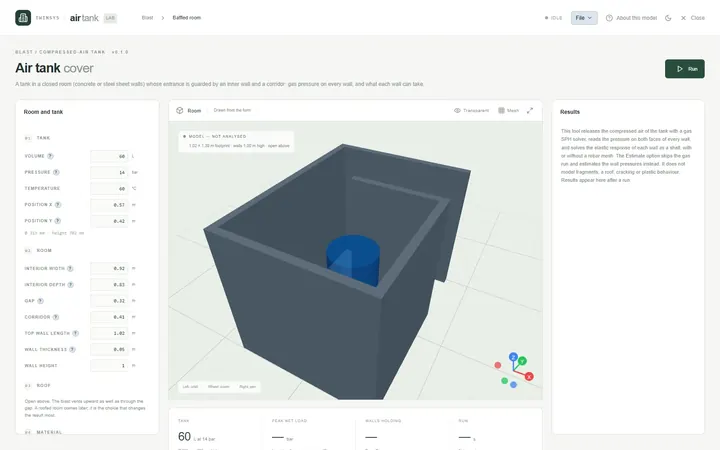
Air Tank Cover
PremiumCheck the concrete or steel walls of a room around a compressed-air tank against the blast load if the tank releases its air.
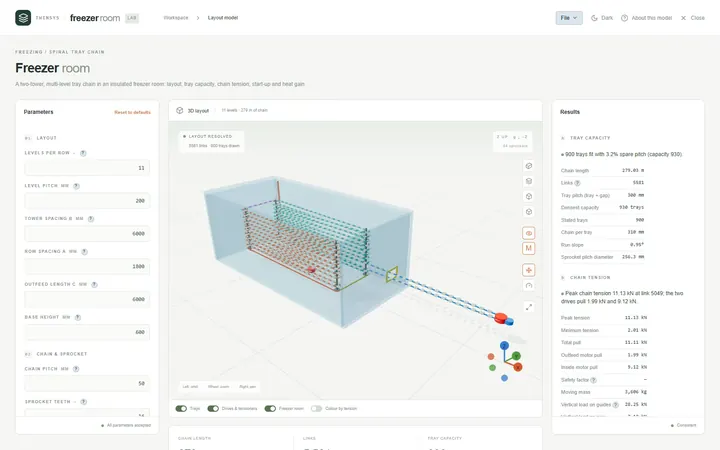
Freezer Room
PremiumLay out a two-tower spiral tray chain in an insulated freezer room and check tray capacity, link tension, start-up and heat gain.
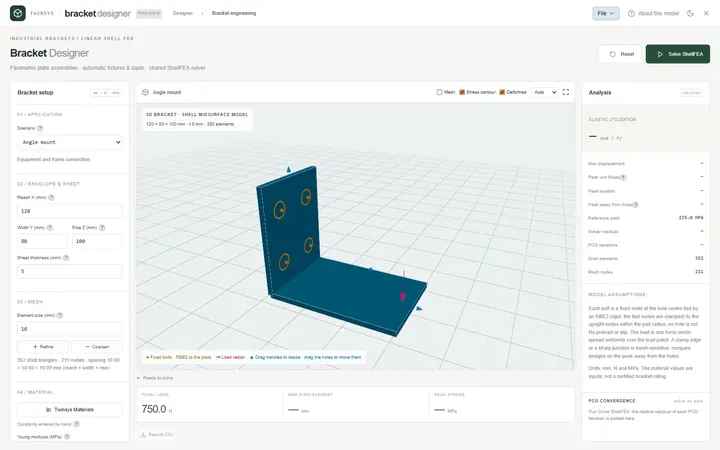
Bracket Designer
PremiumSize angle, shelf, gusseted and offset sheet-metal brackets with a linear elastic shell FEA that sets up its own wall bolts and load.
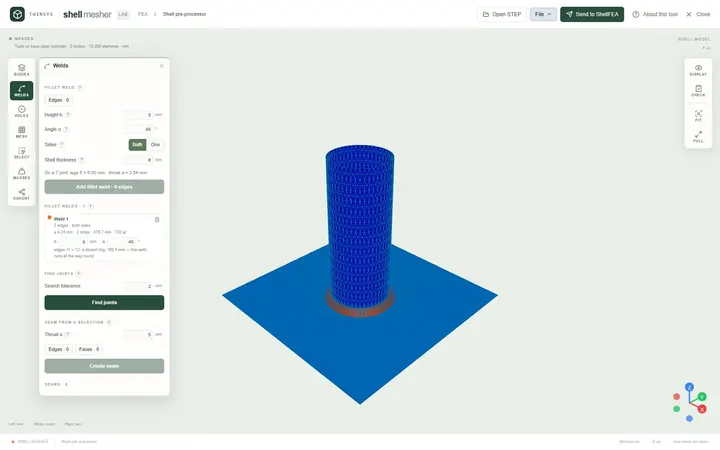
Shell Mesher
Free accountMesh STEP sheet bodies for shell analysis in the browser: thickness and element size per body, bolts in holes, fillet welds, one mesh file.
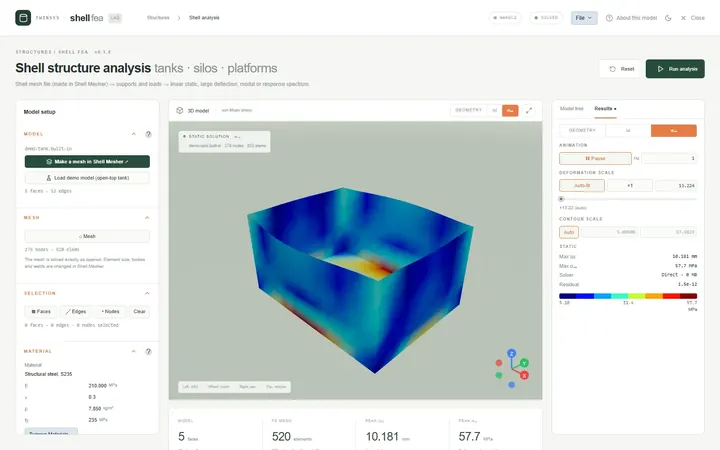
ShellFEA
PremiumFinite element analysis of welded steel tanks, silos and platforms from a shell mesh: static, large deflection, modal and seismic spectrum.
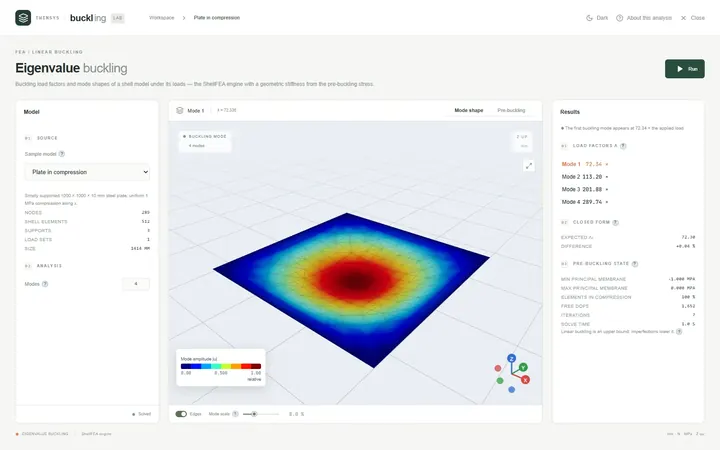
Eigenvalue Buckling
PremiumFind the load factors at which a shell structure buckles and see each buckling mode shape, from a ShellFEA model or a sample.